Special Topics Case Study
Research & Activity Documentation
Abigael De La Rosa
Introduction
This case study explores how interactive 3D can enhance product understanding and user experience in web-based environments. Across three projects, the work moves from initial research into 3D trends and tools, to hands-on experimentation with interaction and prototyping, and finally to the development of a refined, interactive product experience using Spline.
Module 1: Concept
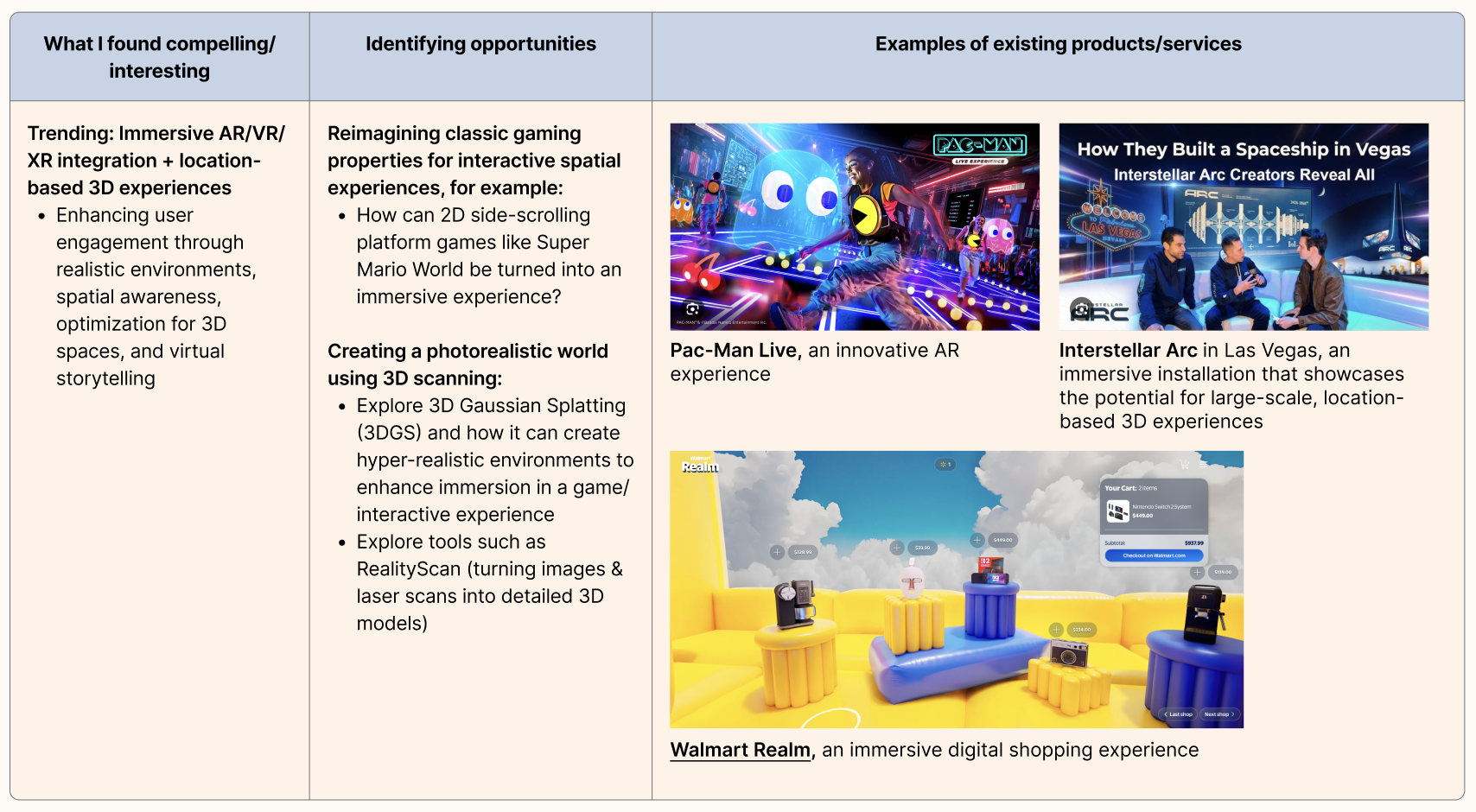
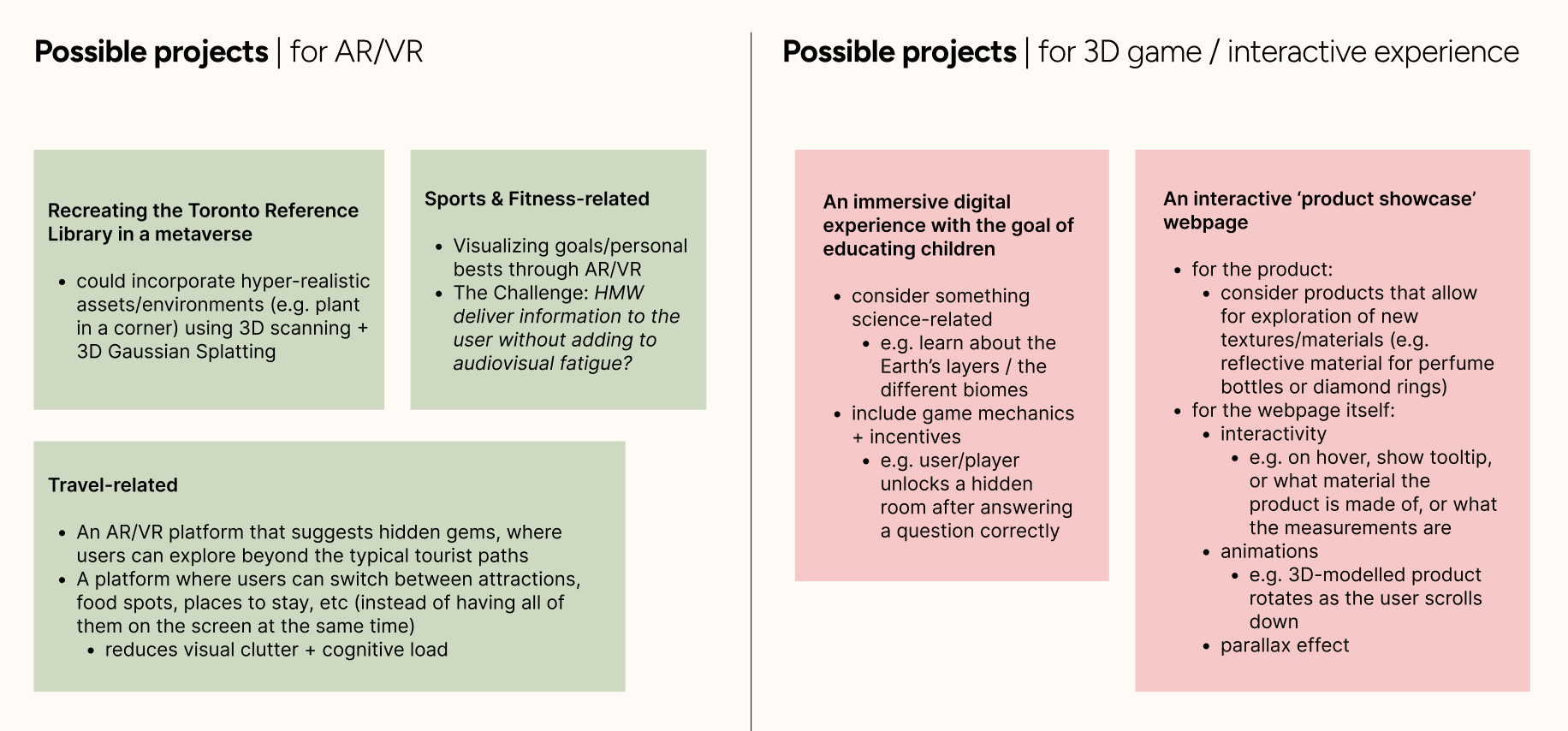
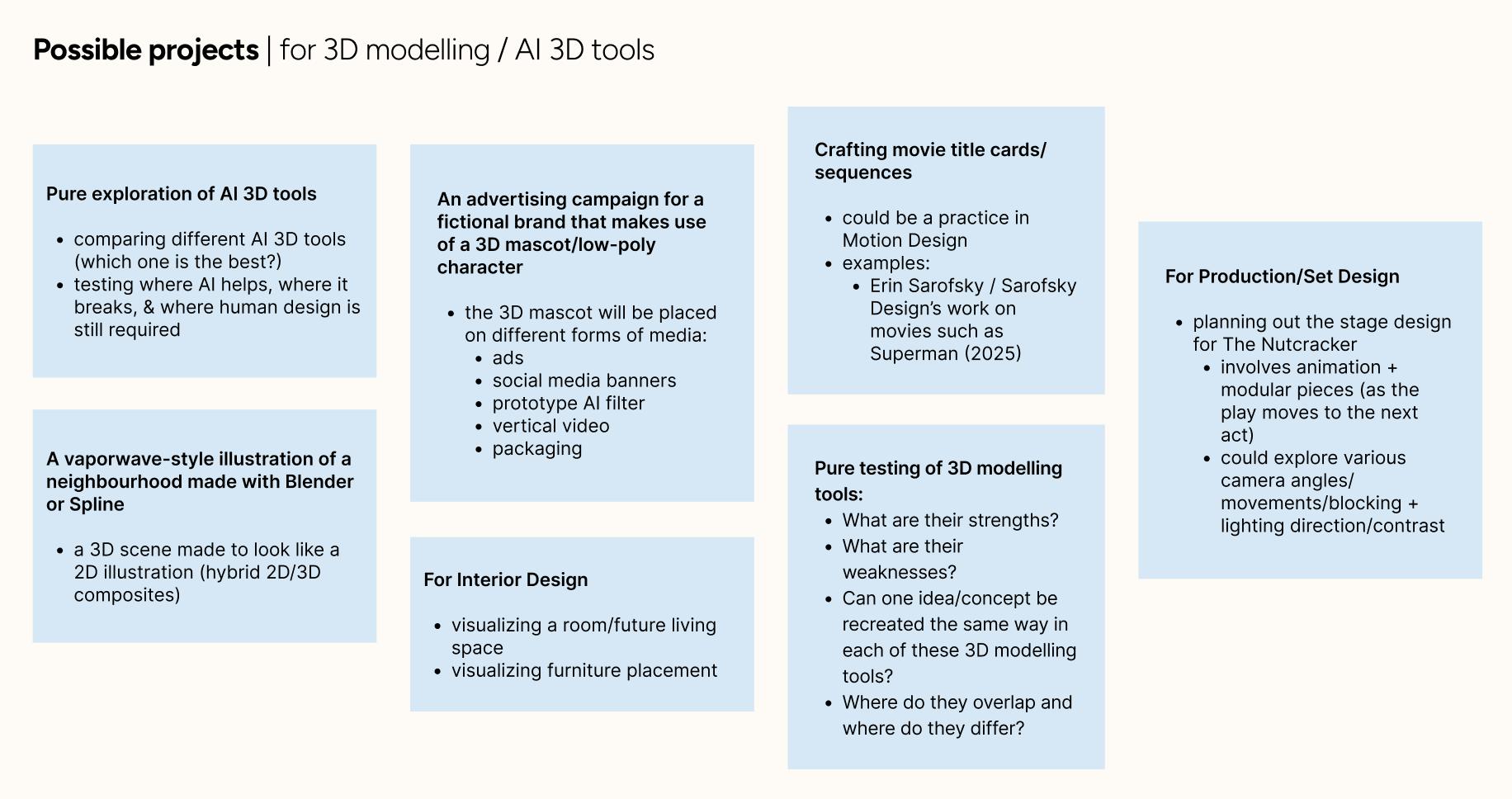
Project 1 focuses on researching current trends and directions in 3D design, including AR/VR, interactive experiences, AI-assisted tools, and web integration. Through comparing multiple potential paths and refining ideas based on feedback, the project narrows toward a focused direction: exploring Spline as a tool for creating interactive, web-based 3D experiences.
Action Research Phase 1
Action Research Phase 2
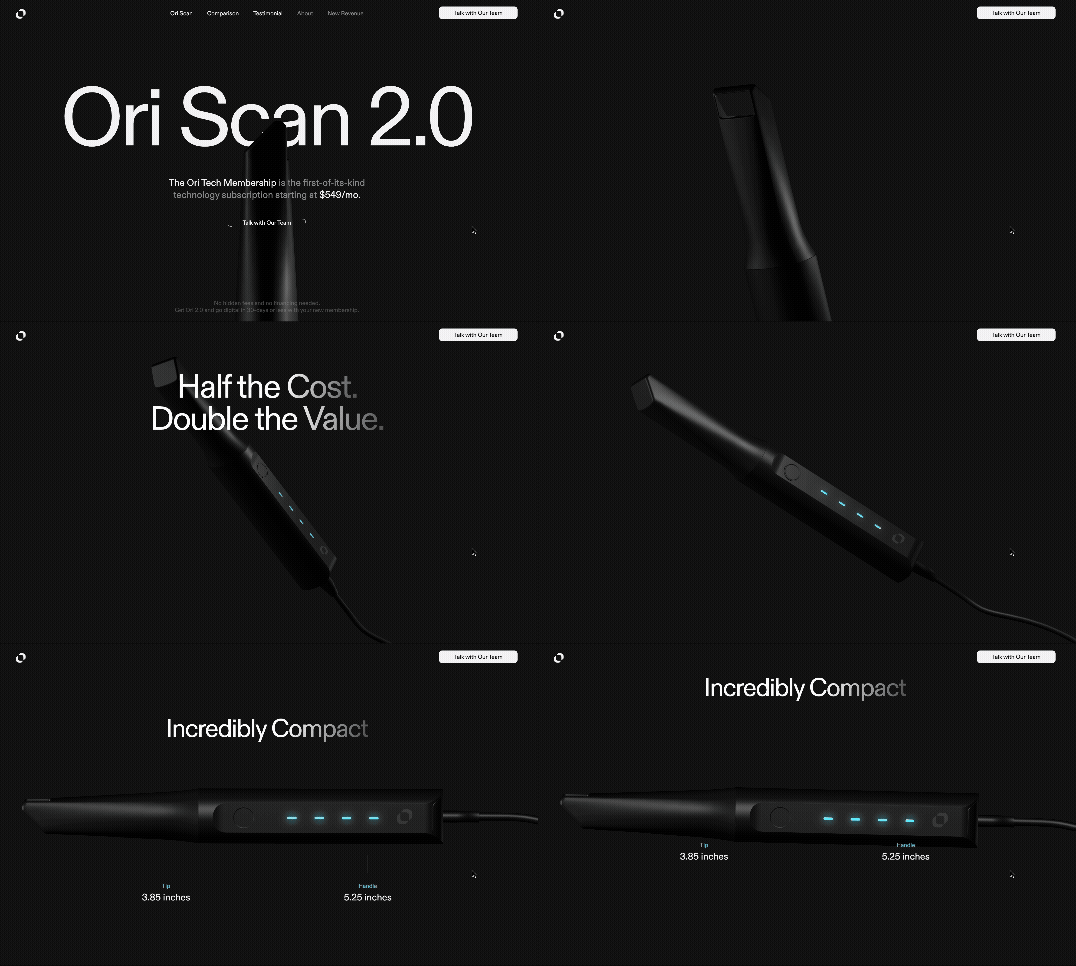
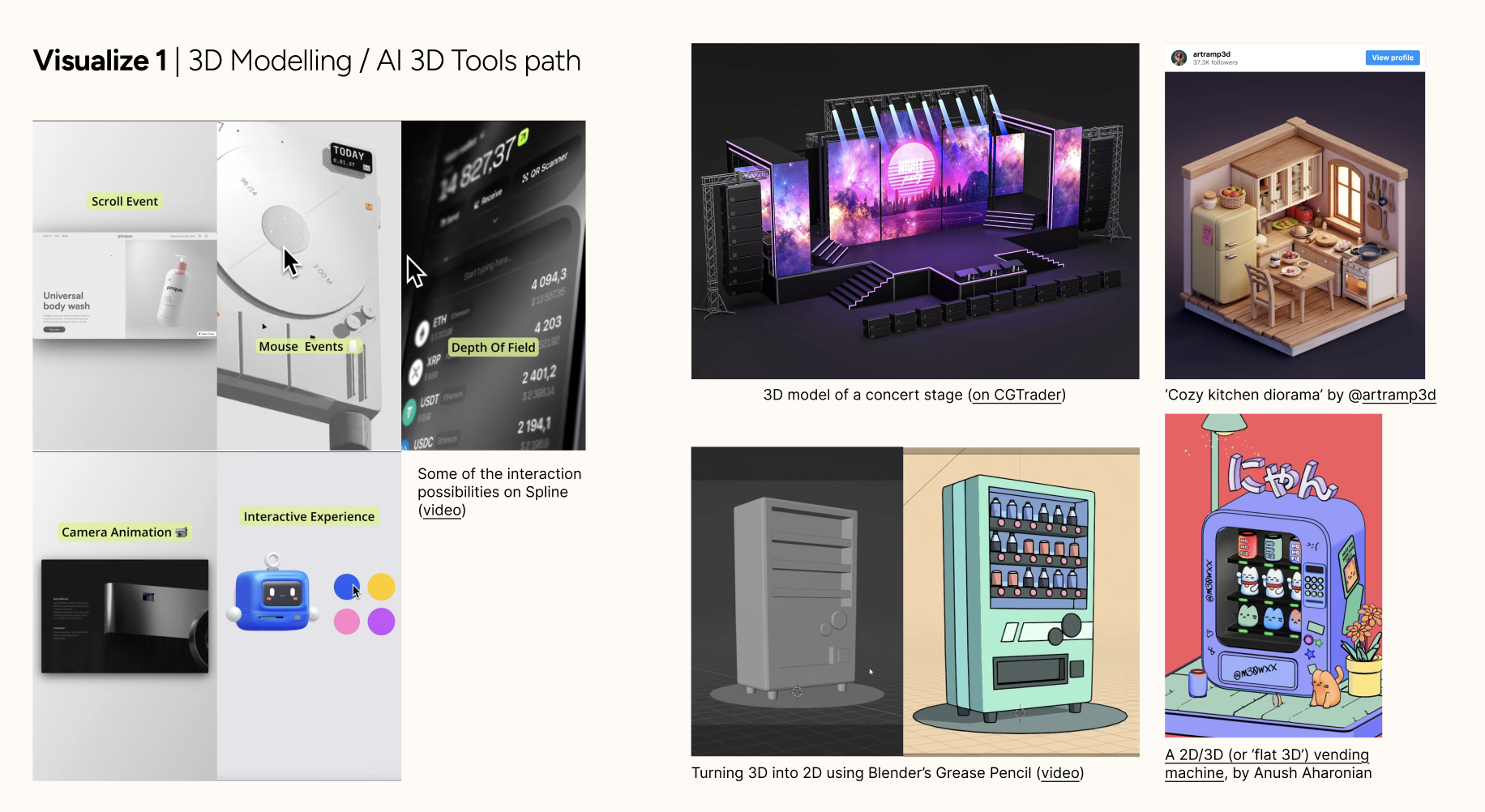
Project 1: Concept
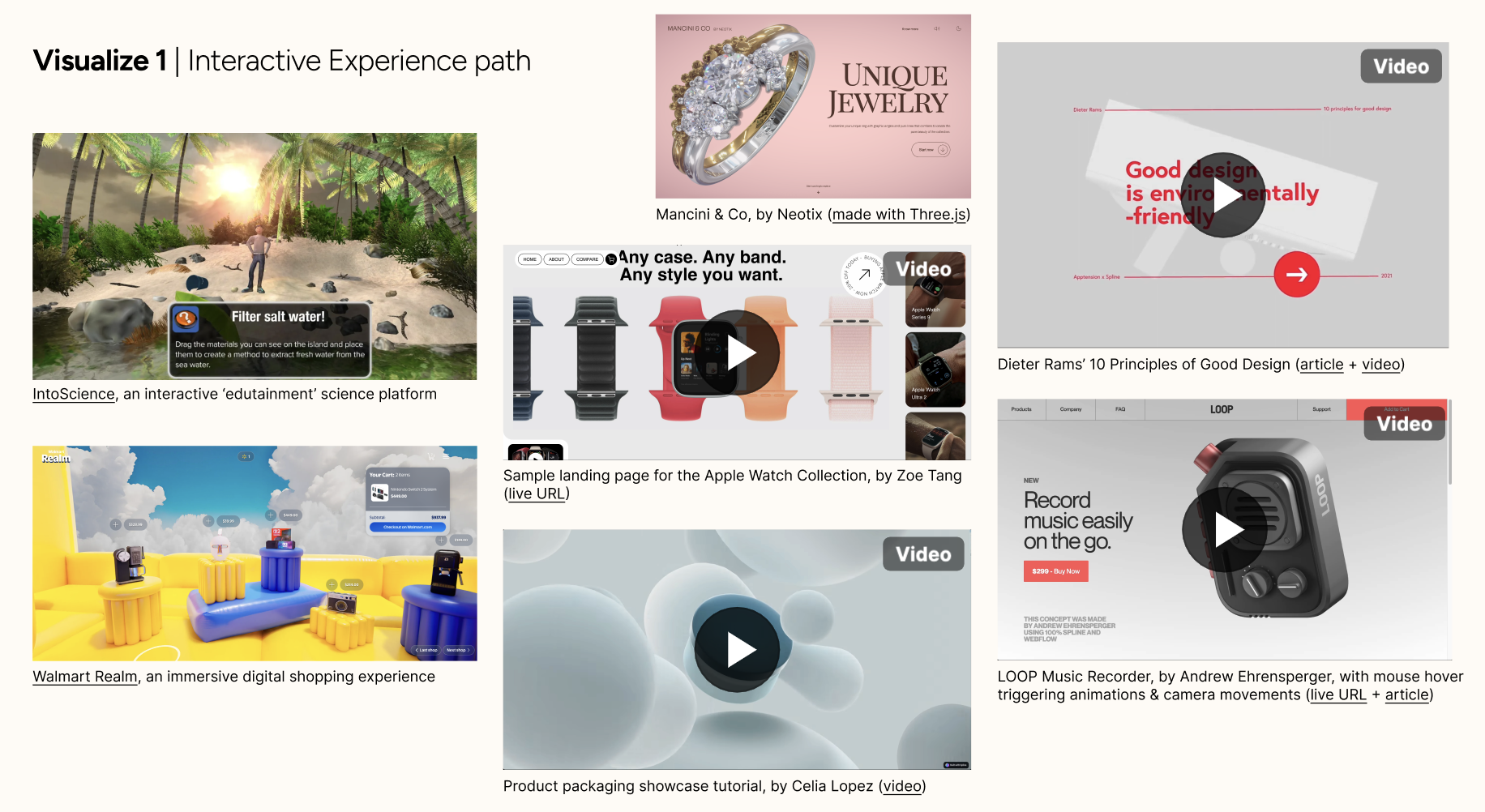
Following the completion of Activities 1 and 2, the project established a focused direction centered on the exploration of Spline, including its interactivity features and web integration capabilities. The objective was to build upon existing foundational knowledge while advancing the ability to integrate 3D models into web environments, with the aim of developing high-fidelity, motion-driven digital experiences.
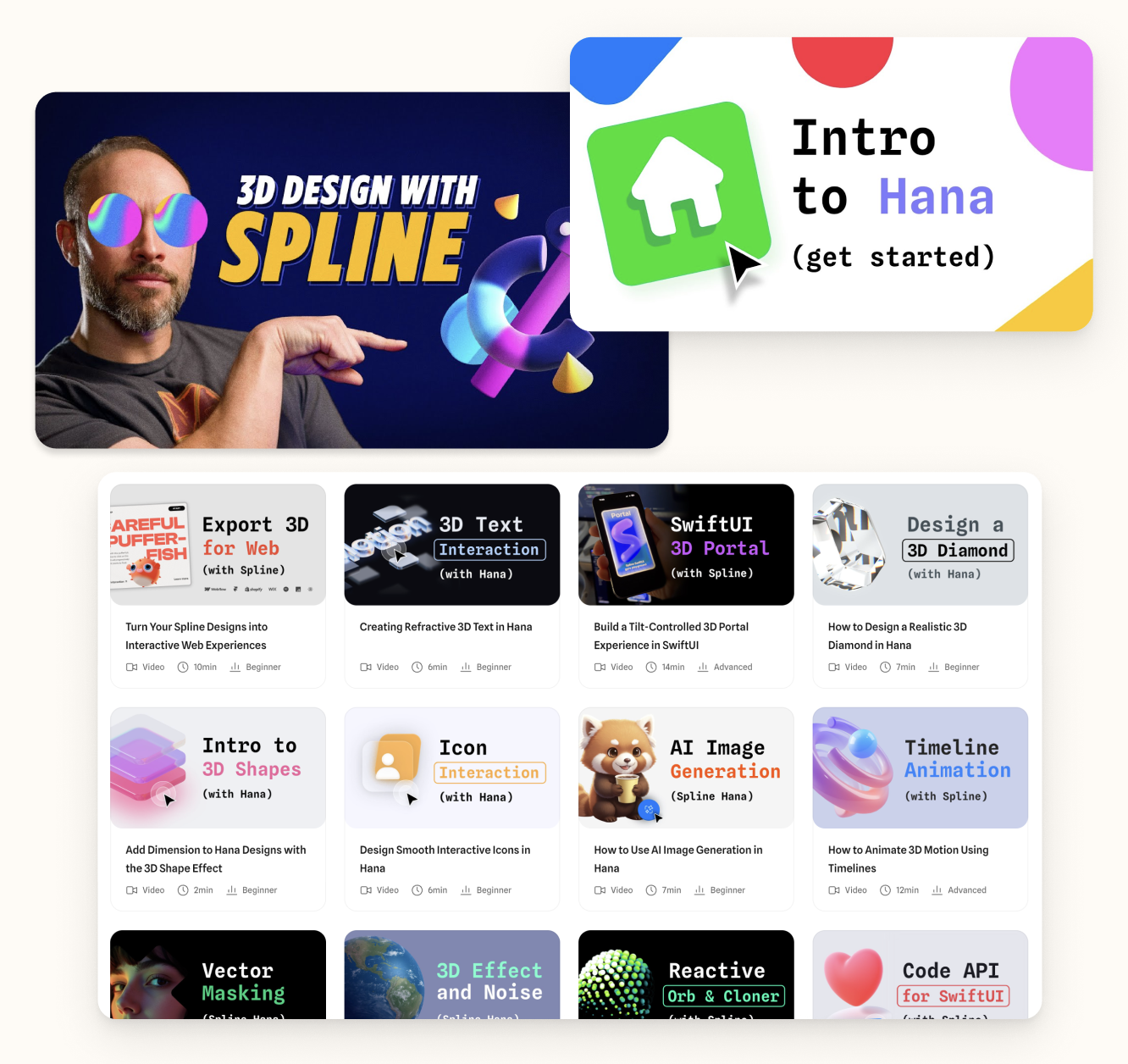
Module 2: Prototype
Project 2 focuses on applying and testing interactive 3D within a web-based environment. Using Spline, the project evaluates interactions such as rotation, hover states, and camera movement to assess their impact on usability and user experience, with an emphasis on iterative experimentation to identify which approaches most effectively support clear and intuitive product exploration.
Action Research Phase 1
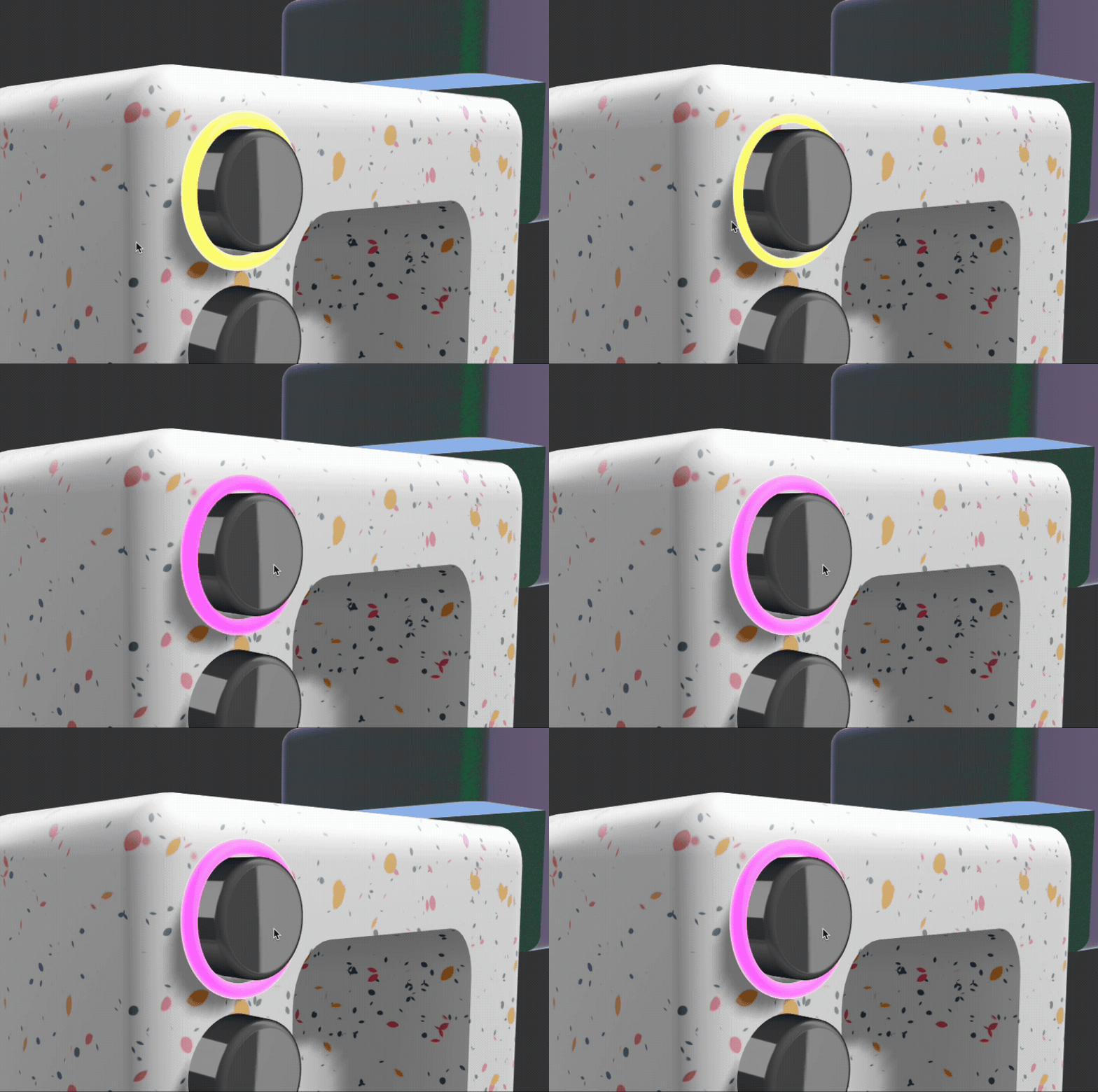
Action Research Phase 2
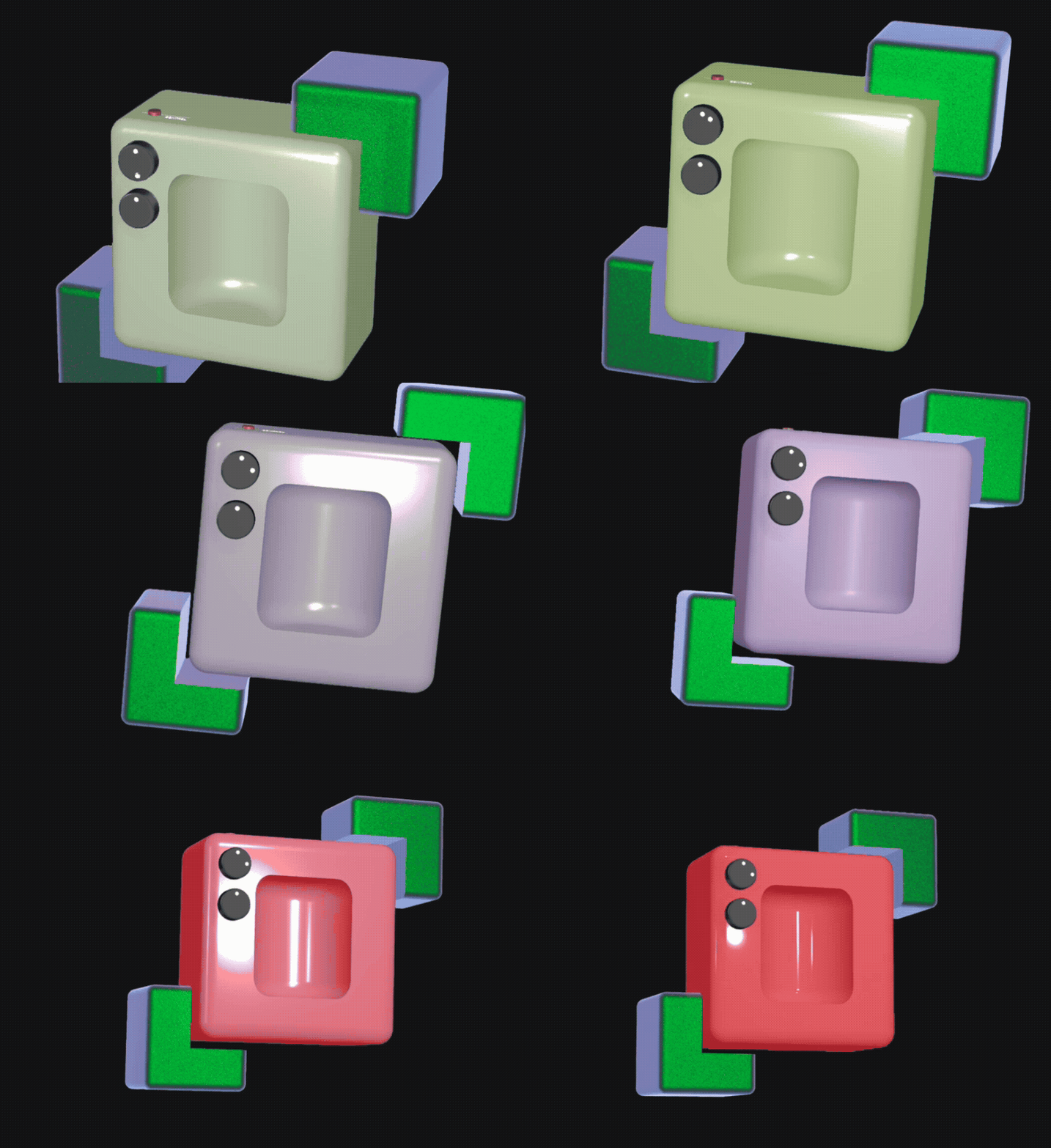
Action Research Phase 3
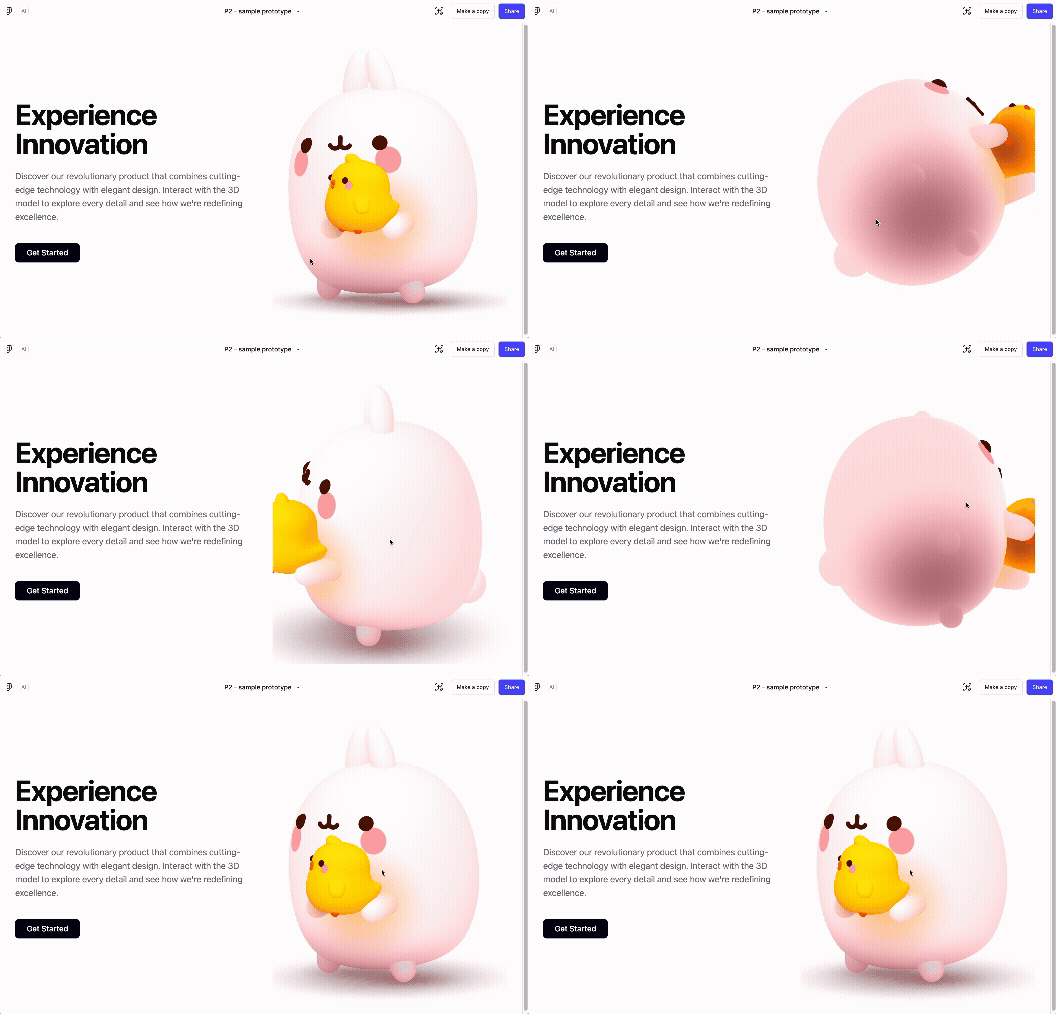
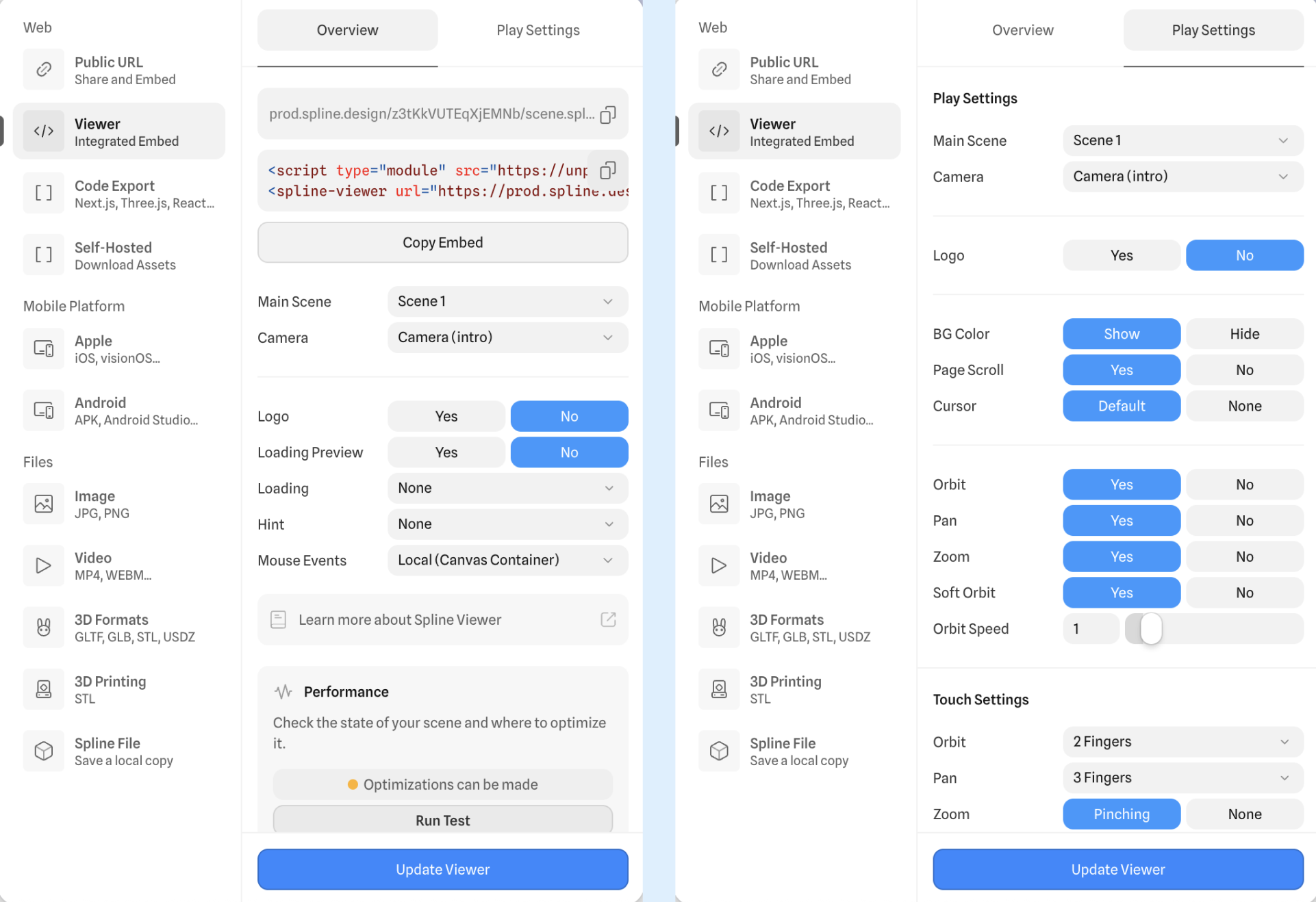
Project 2: Prototype
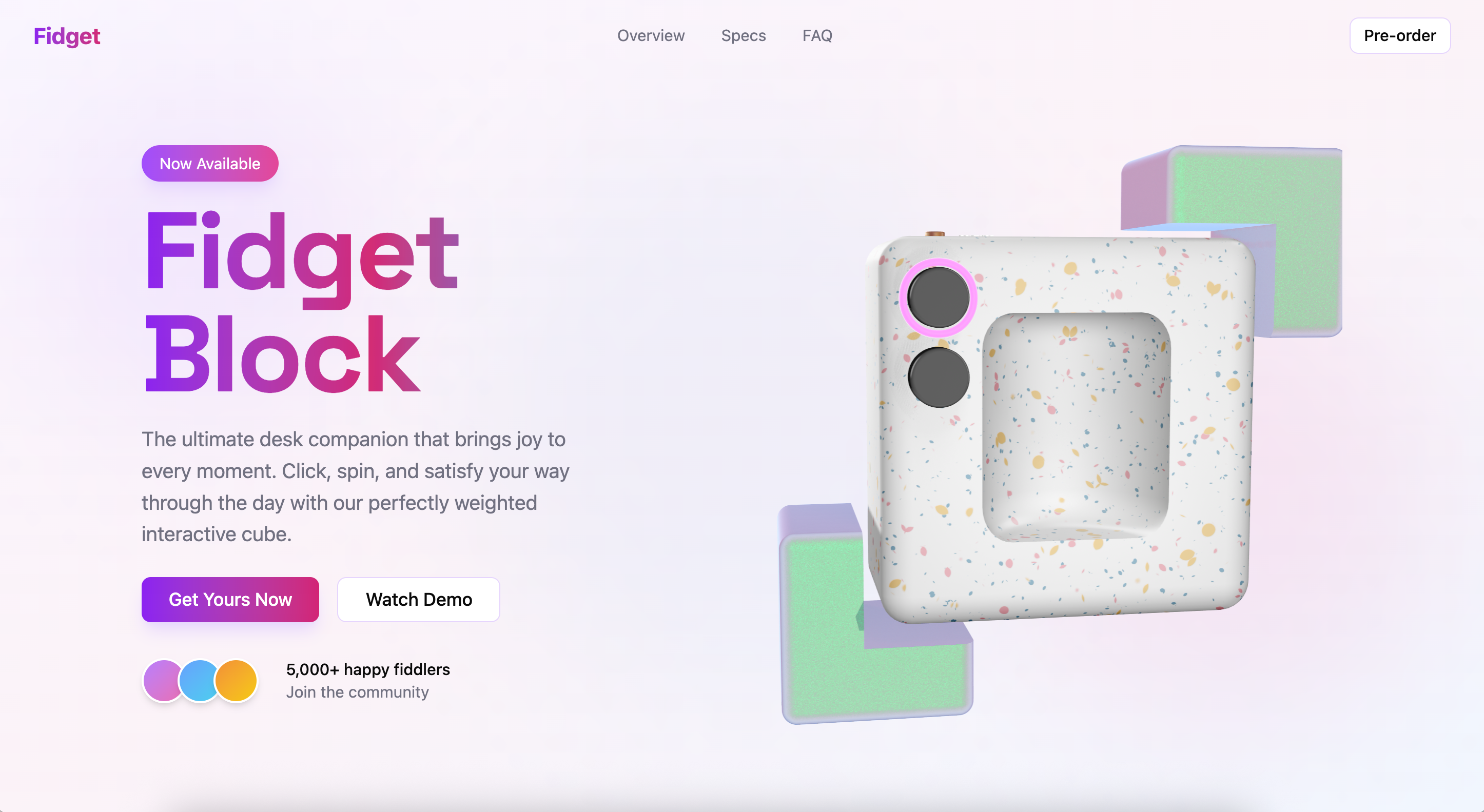
(View the prototype through this link.)
This prototype is an interactive 3D product viewer for a fictional “Fidget Block,” designed to explore how users engage with a product on the hero section of a landing page. It allows users to rotate, zoom, and interact with parts of the model through hover and click-based cues.
Please note: All other buttons & links on the page are non-functional and serve only as part of the layout; the 3D model is the only interactive element in this prototype.
Module 3: Product
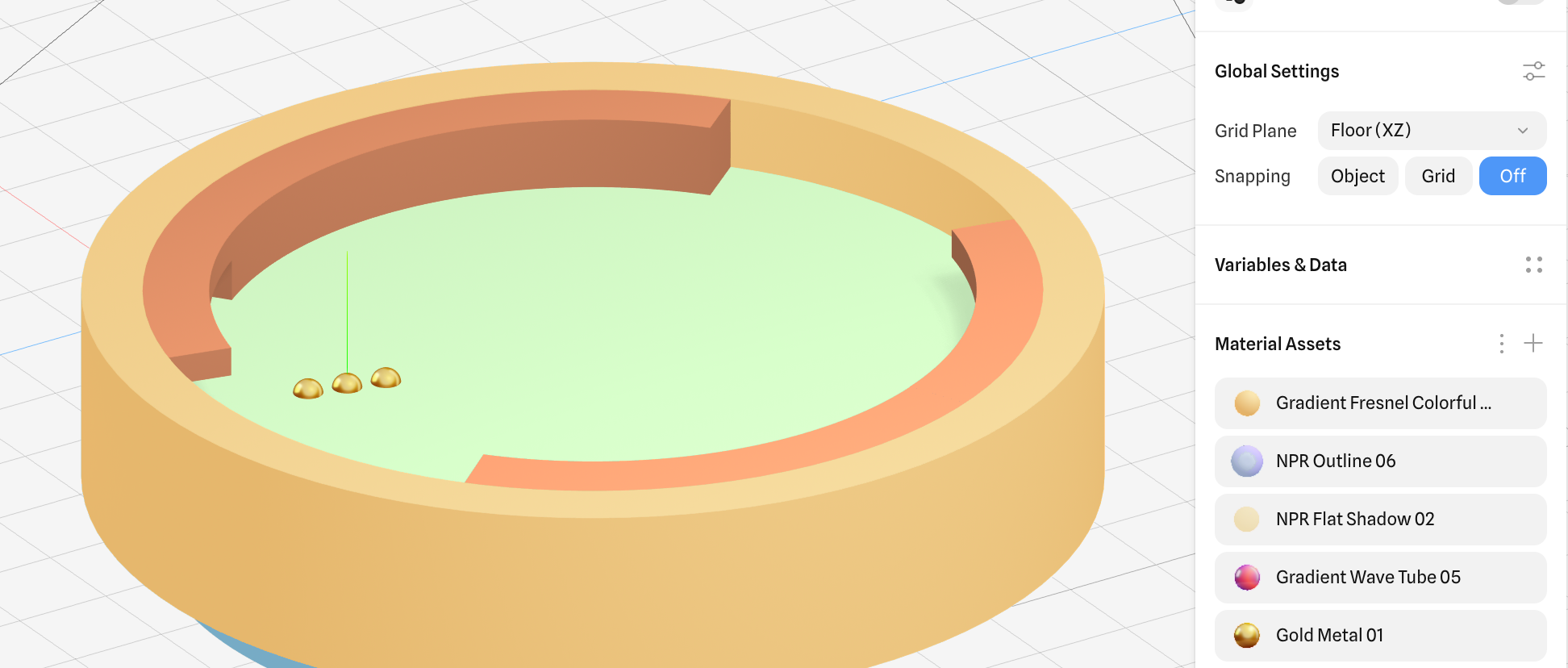
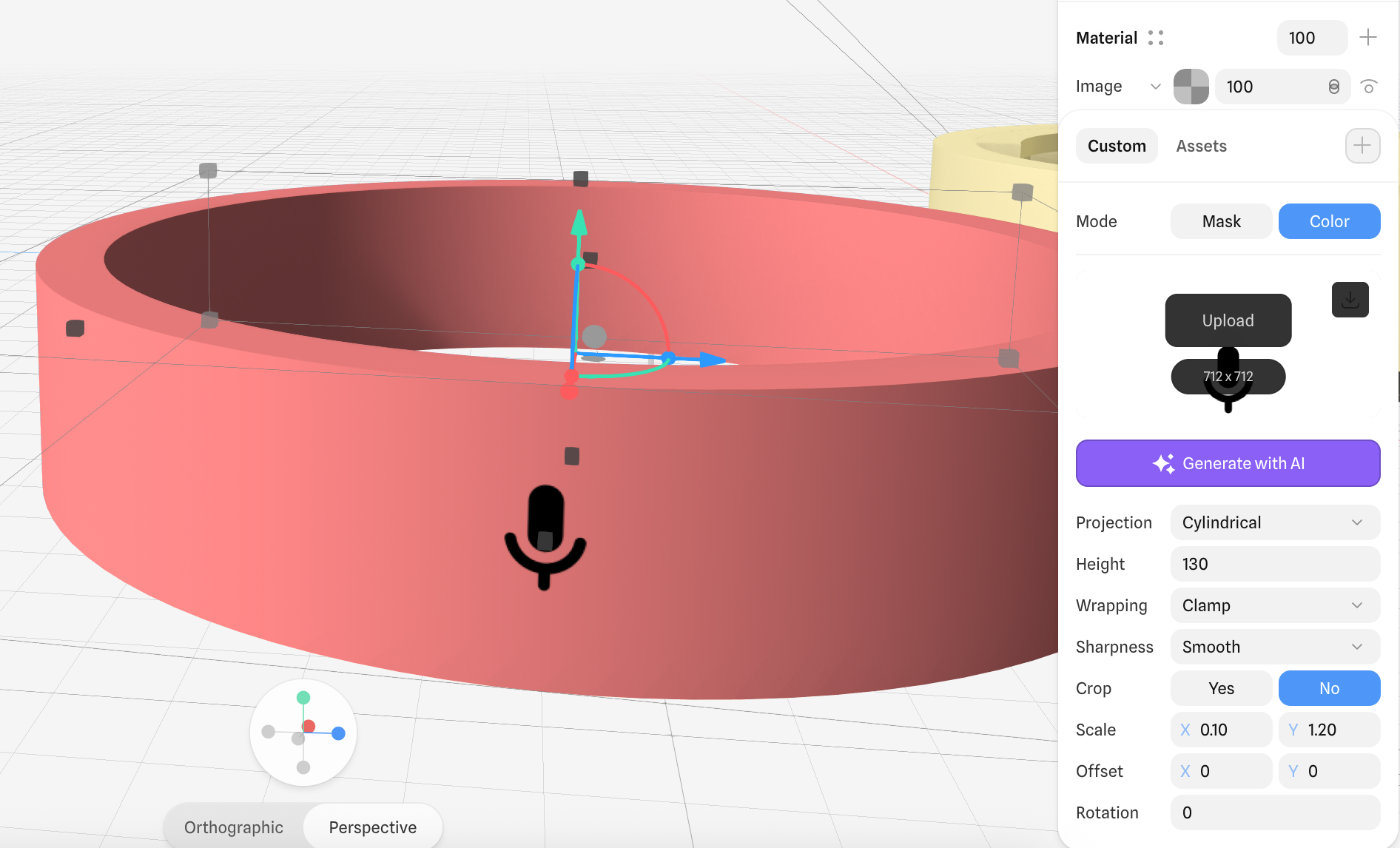
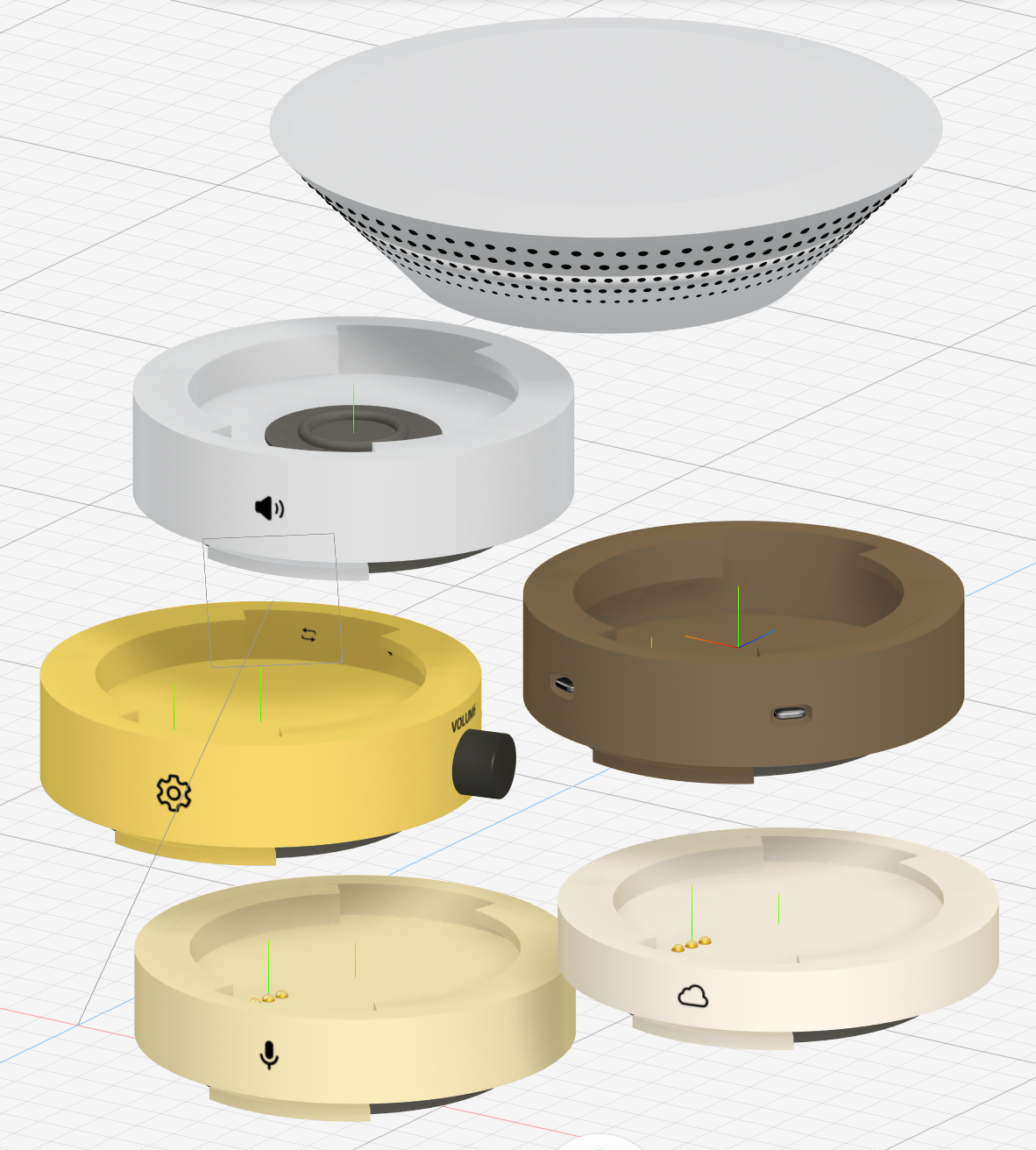
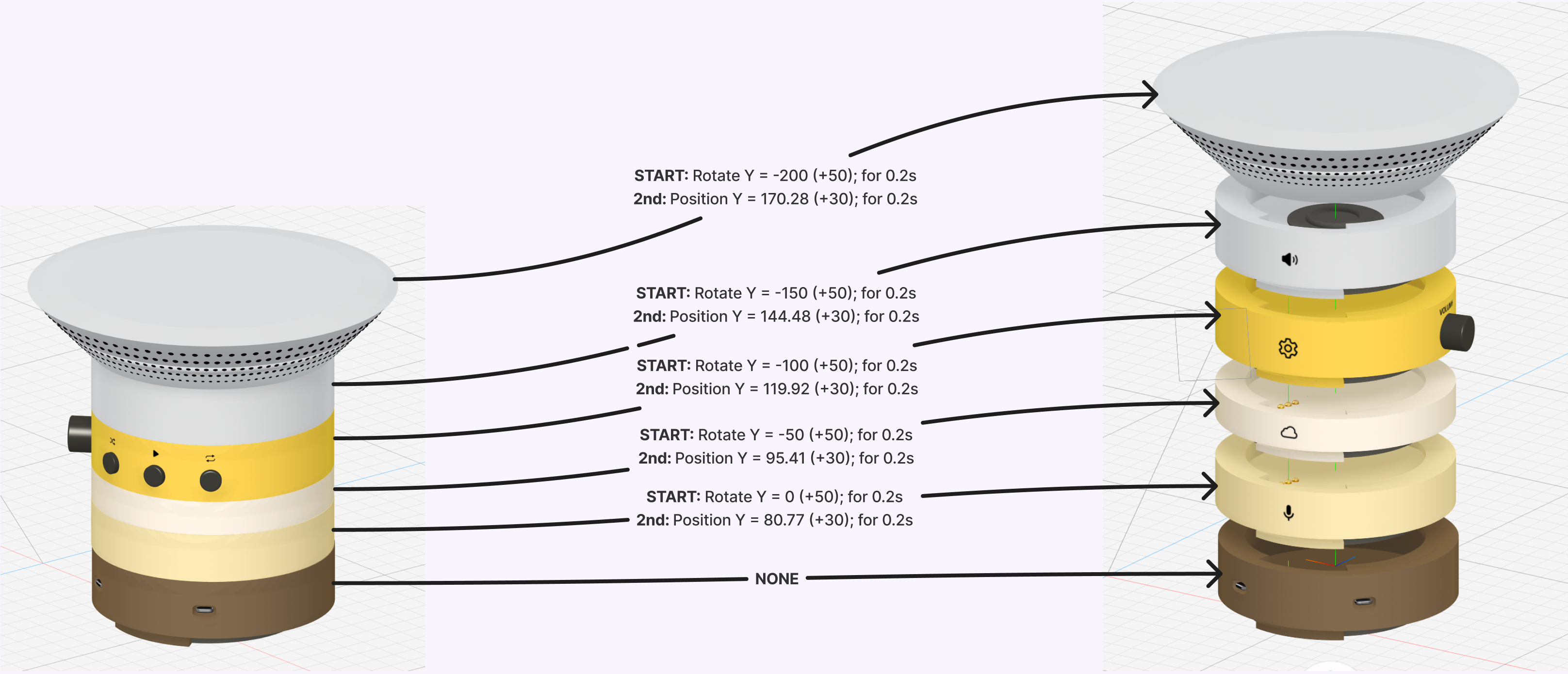
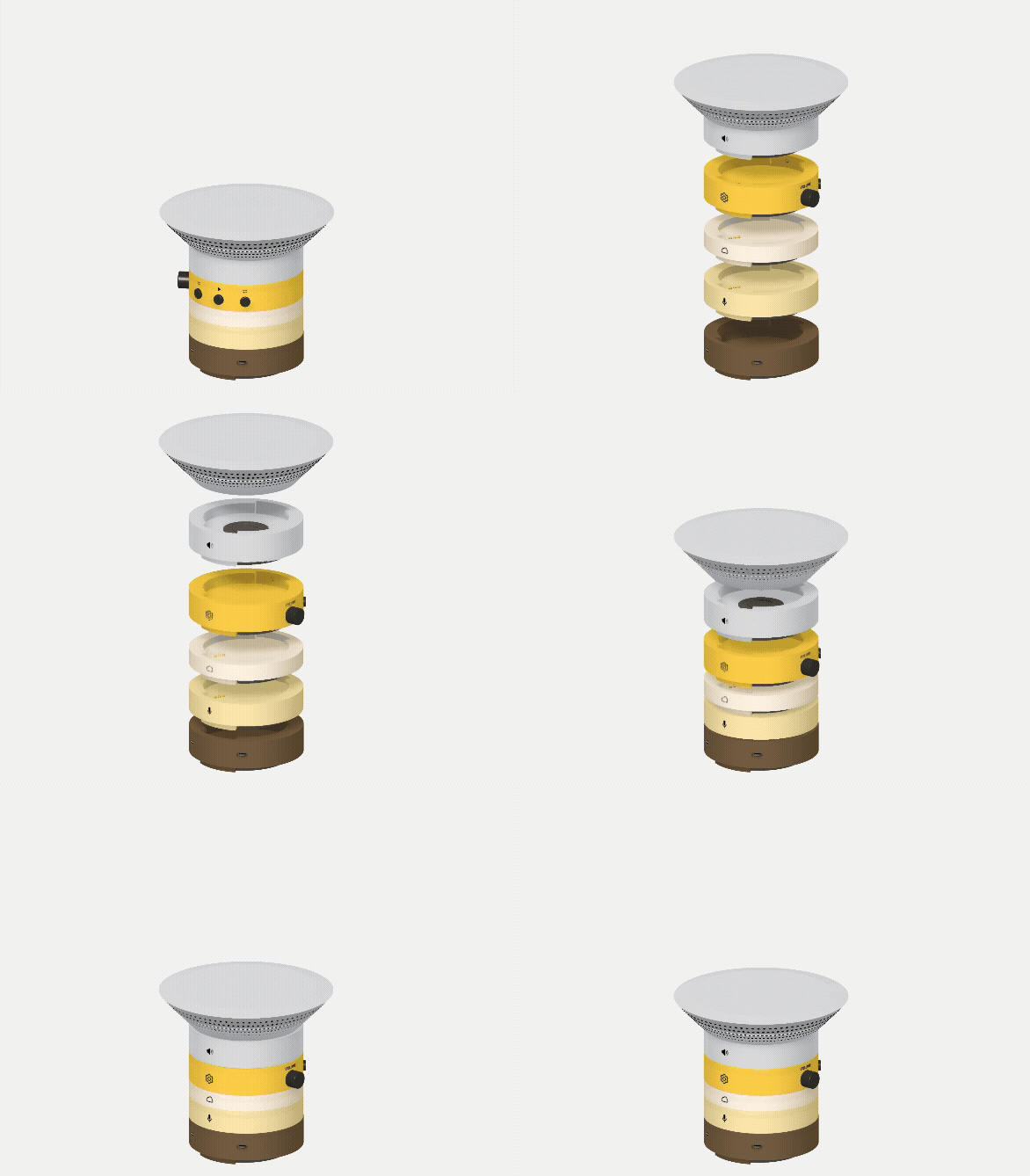
Project 3 focuses on developing a refined, interactive 3D product experience within a web-based environment. Building on insights from earlier experimentation, the project applies Spline to create a realistic modular smart-home speaker, using animation, interaction, and web integration to communicate functionality and modularity, with an emphasis on clarity, usability, and a cohesive user experience.
Action Research Phase 1
Action Research Phase 2
Action Research Phase 3
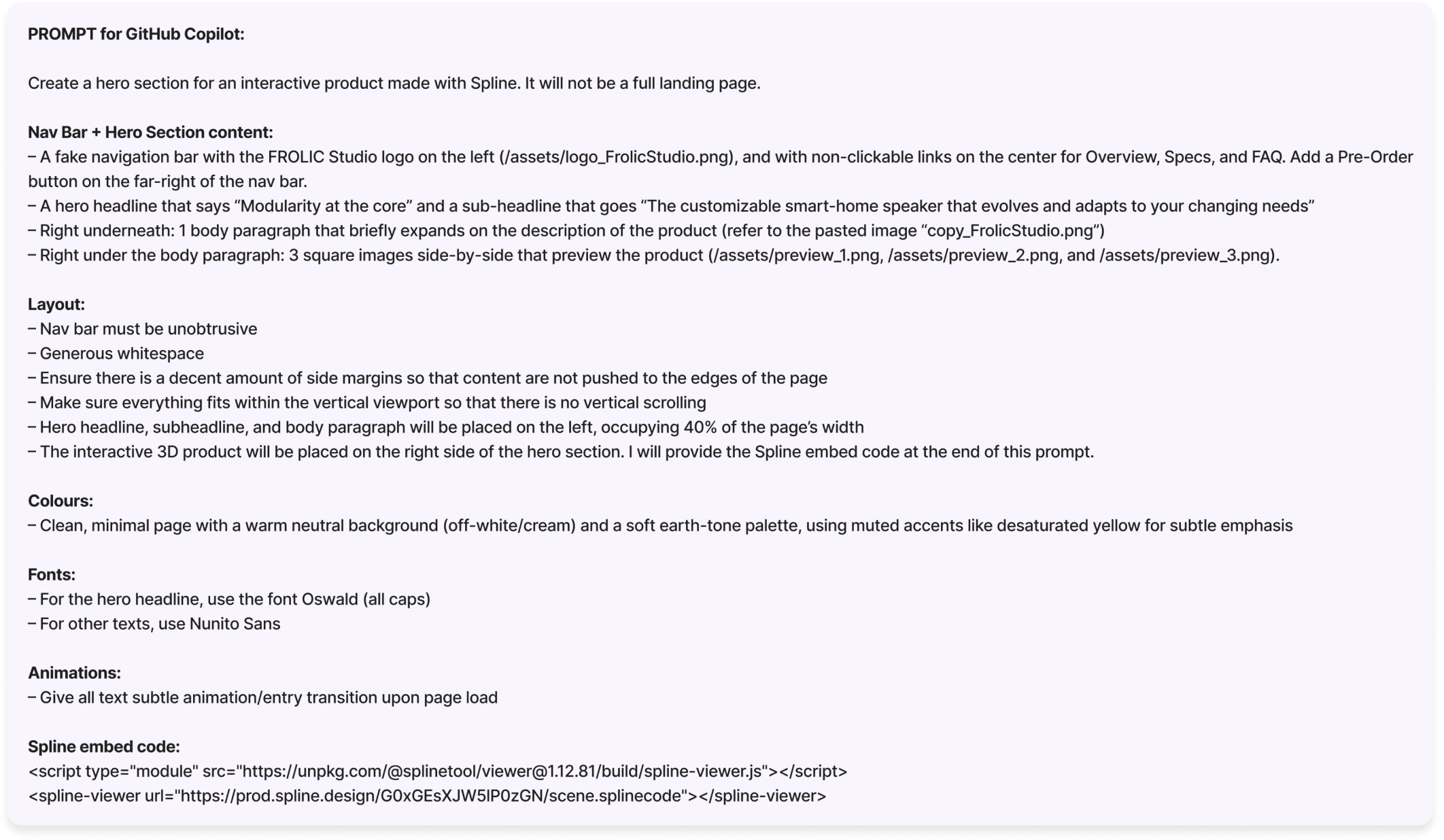
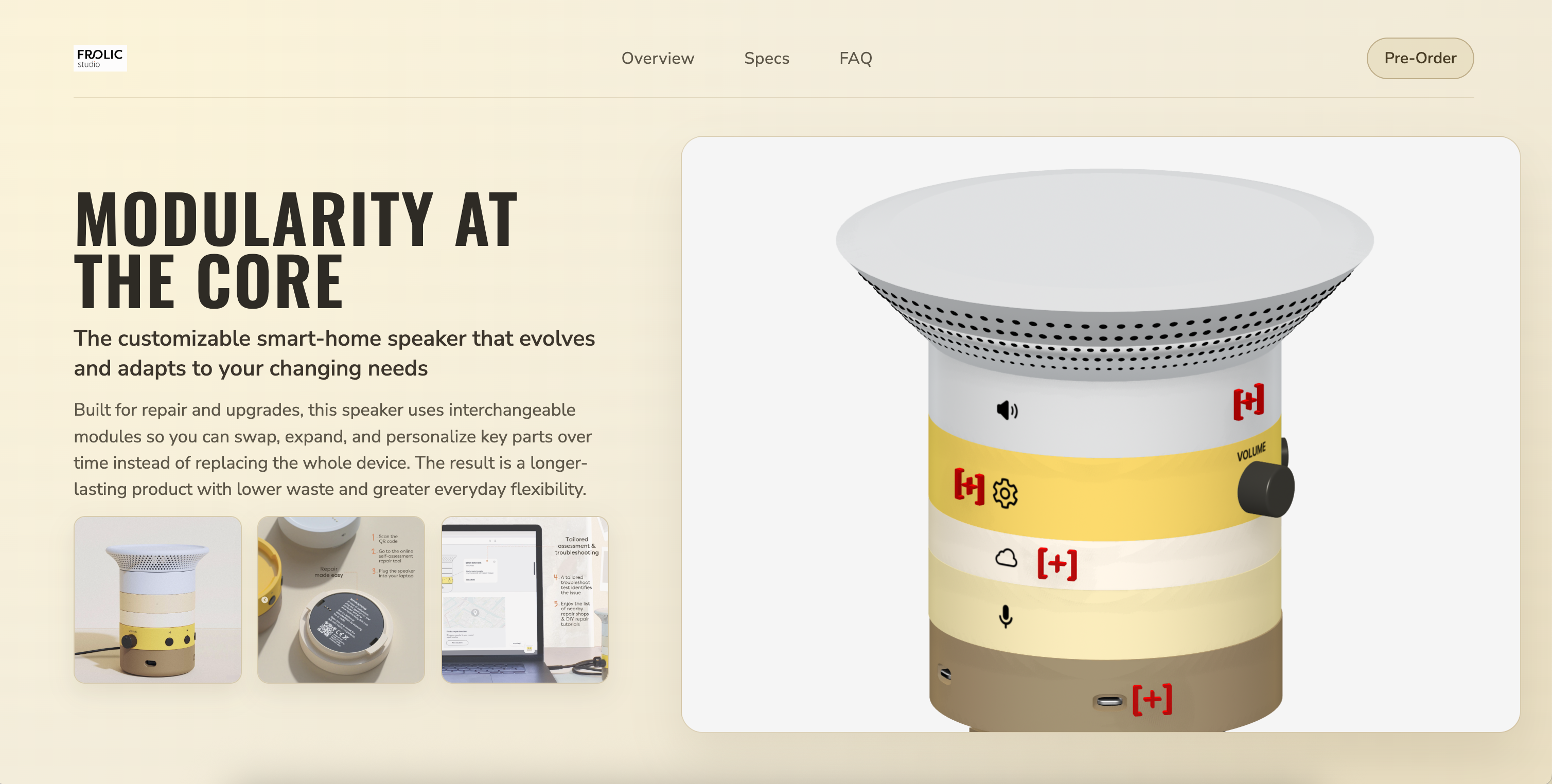
Project Product
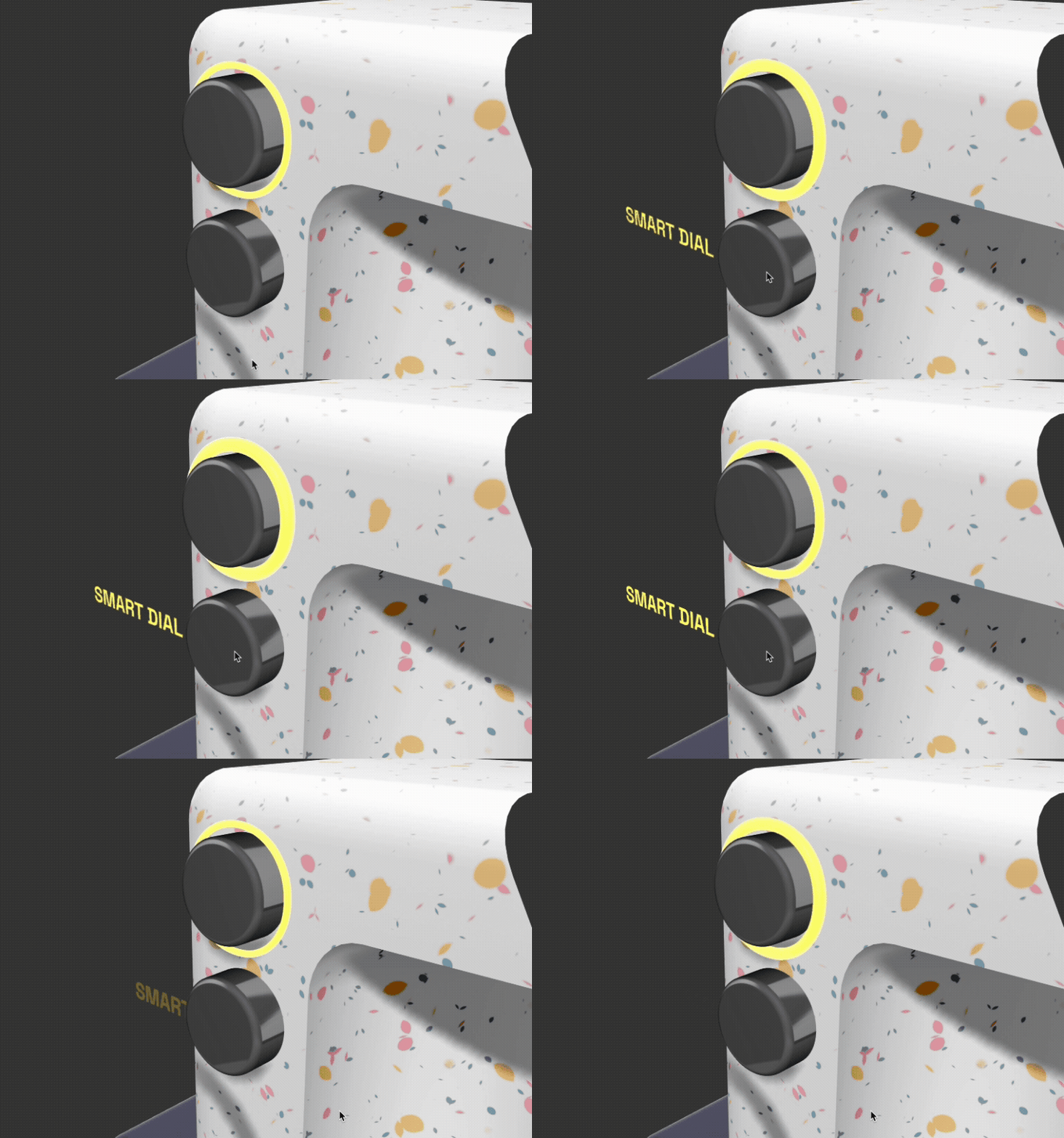
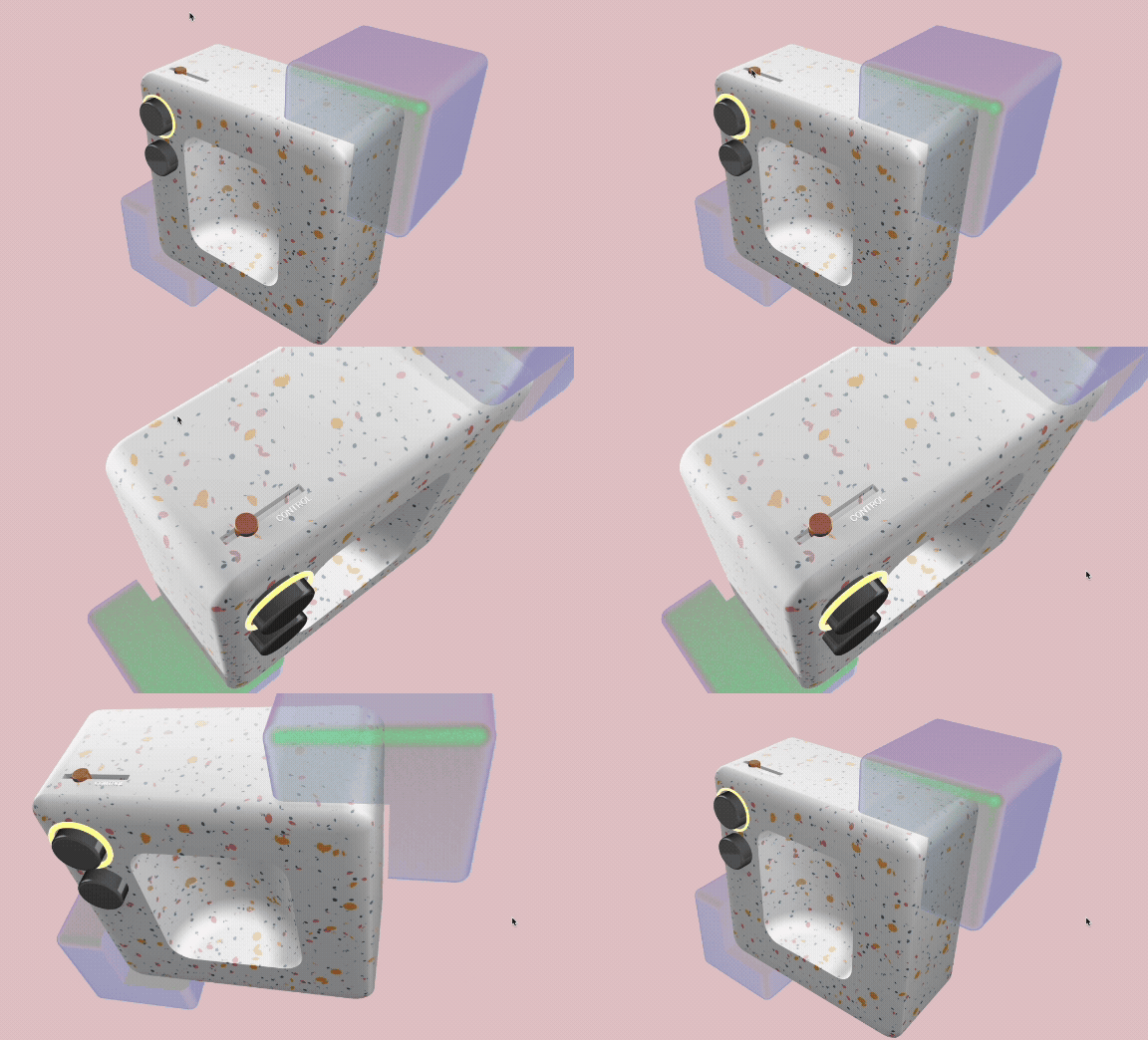
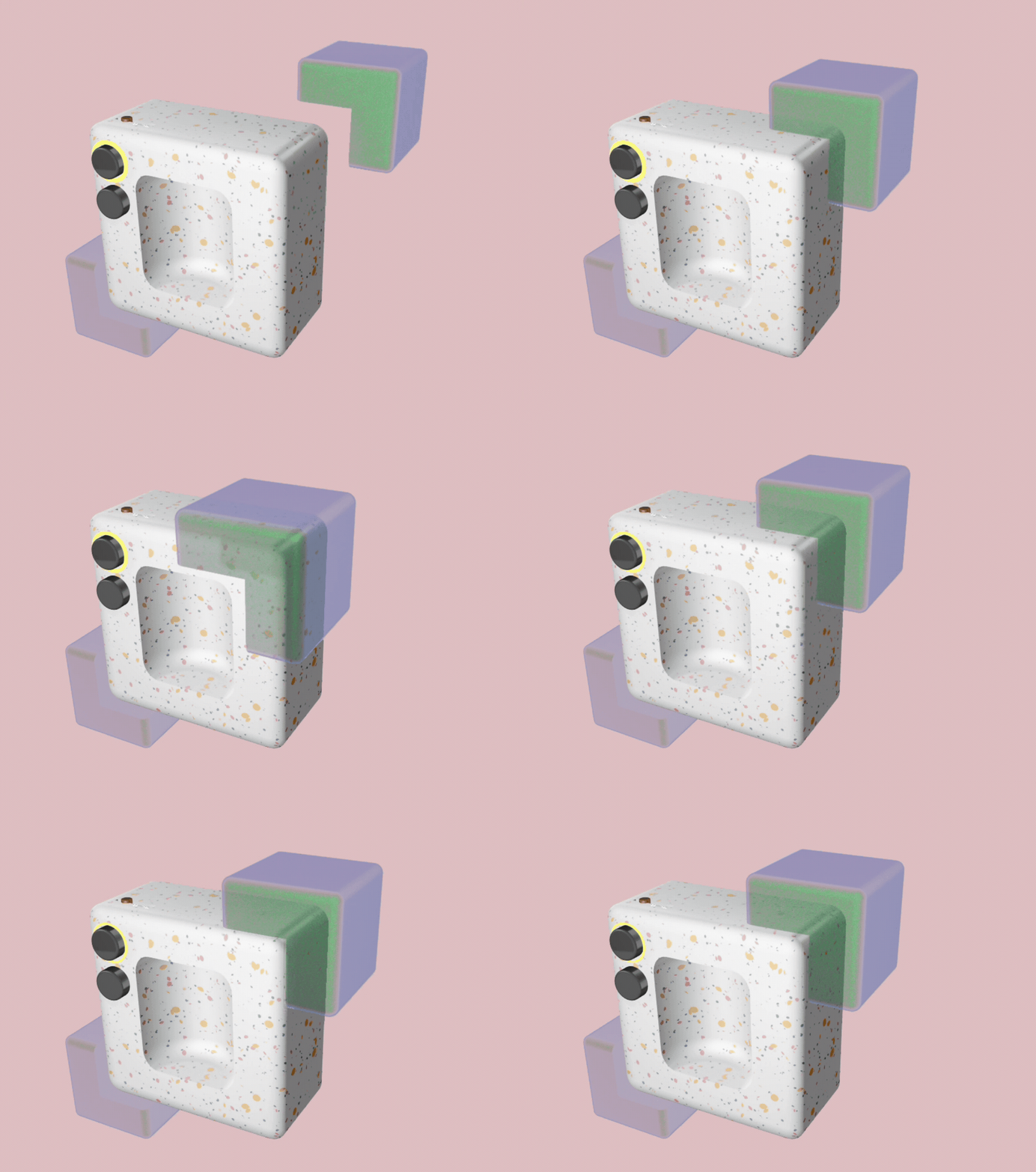
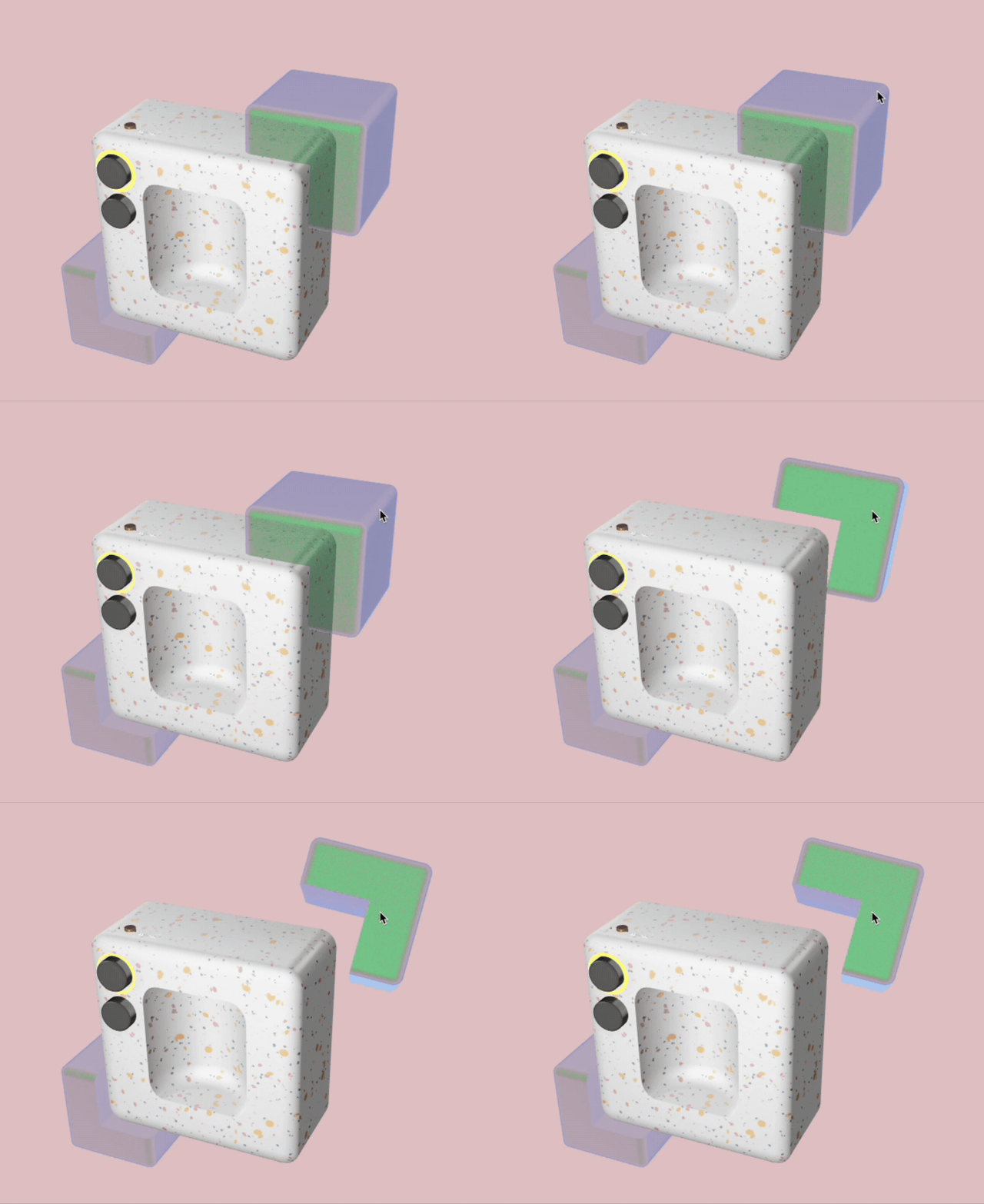
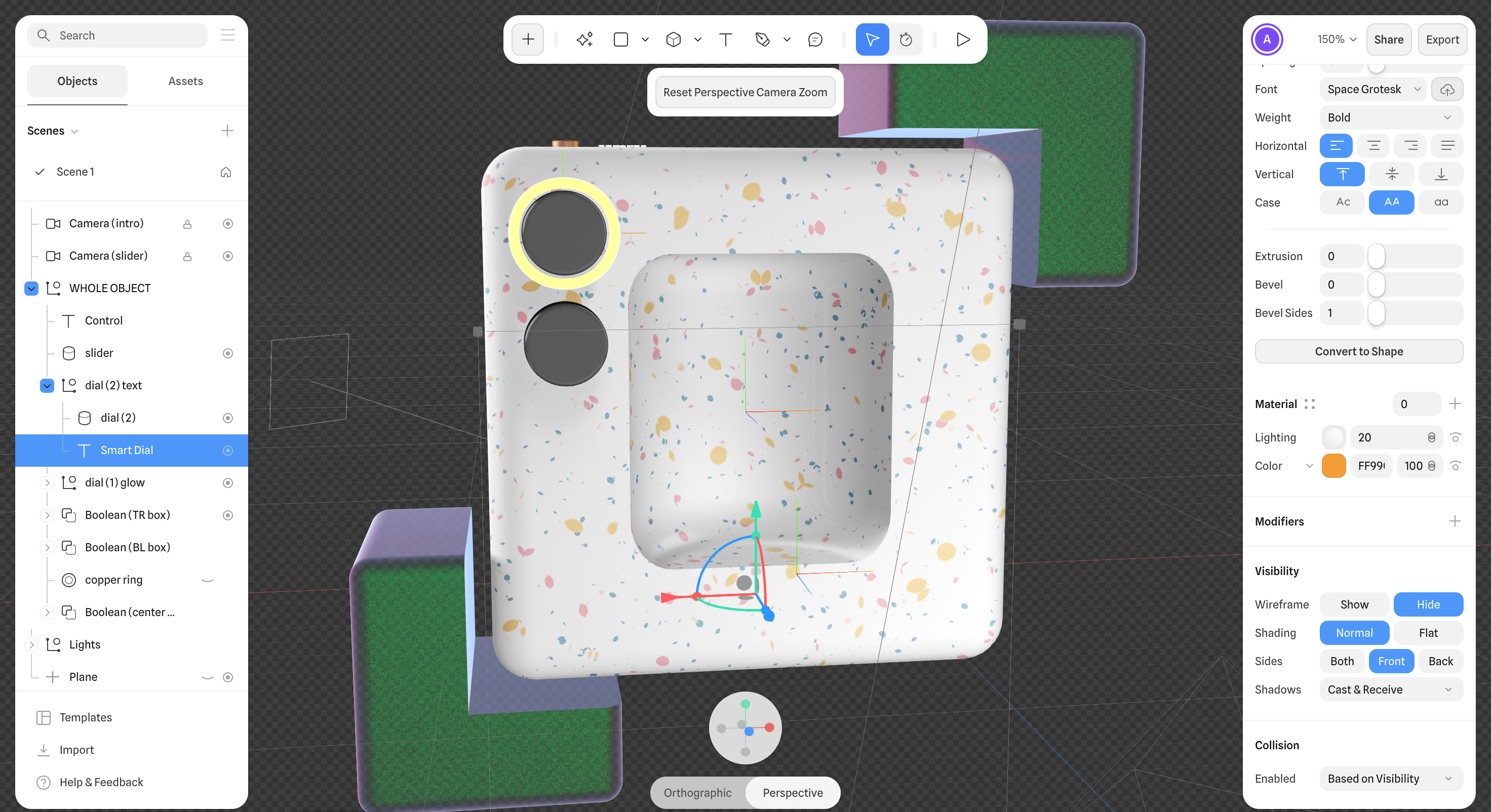
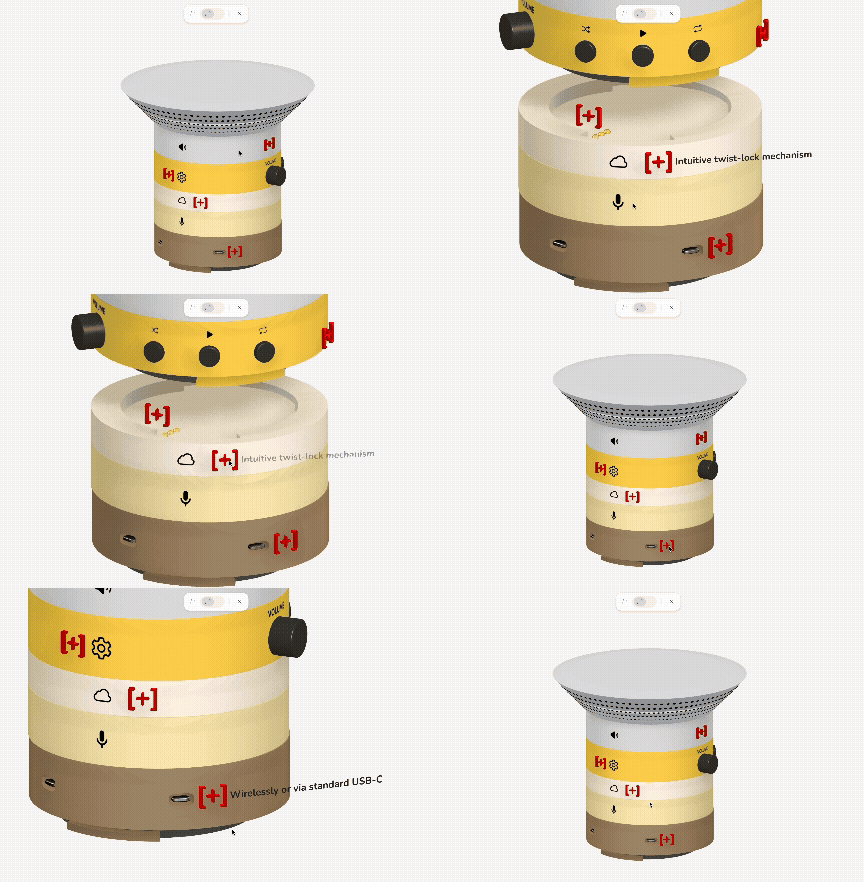
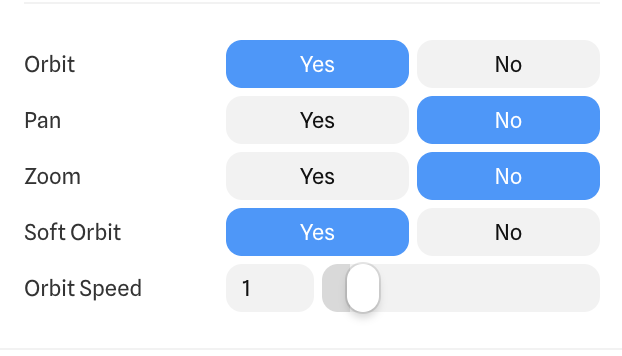
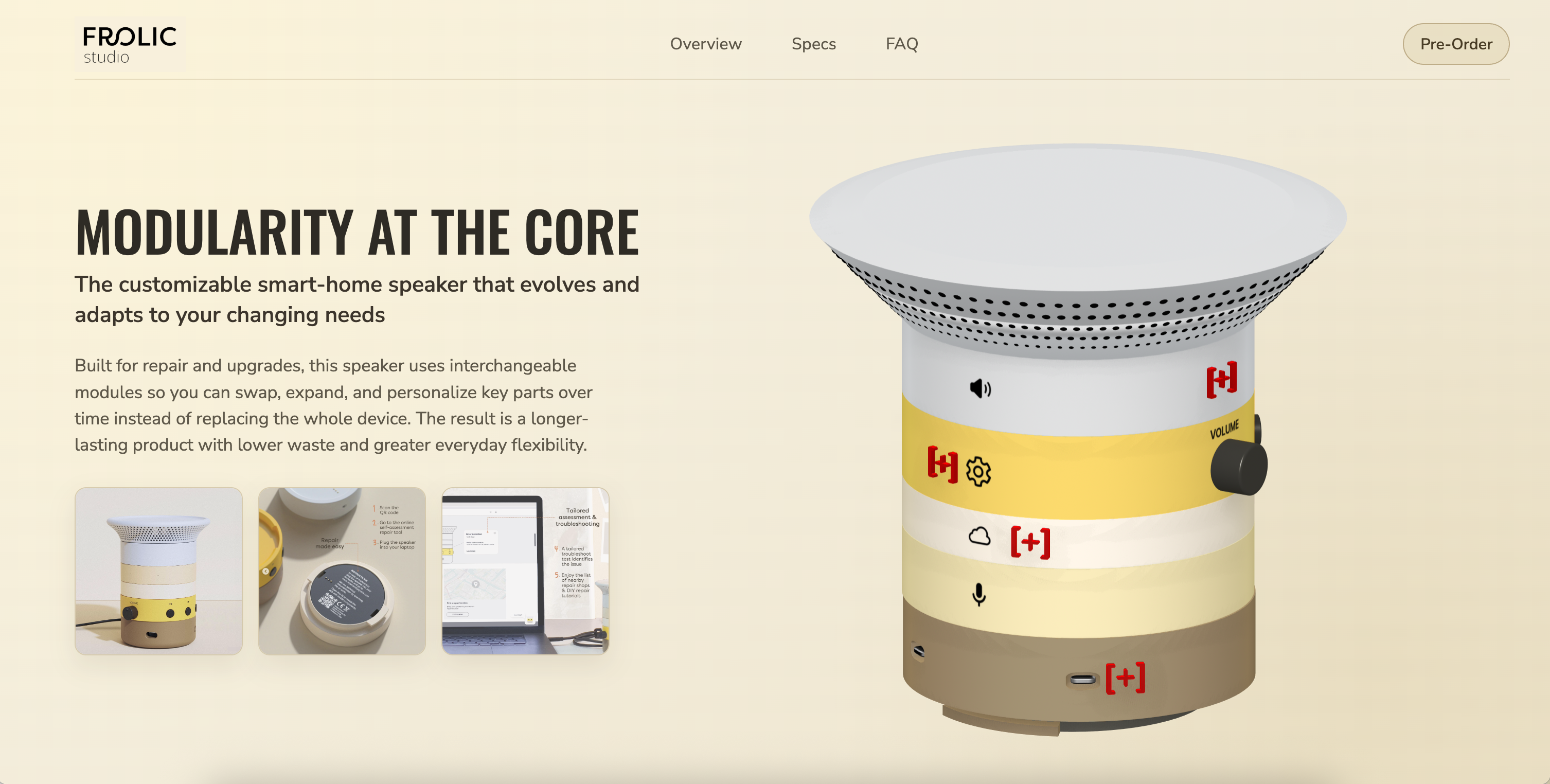
The final product is an interactive web-based showcase of the modular smart-home speaker, created in Spline and embedded into a custom webpage. Users can explore the 3D model through rotation and guided interactions, beginning with an 'exploded view' animation that reveals how the components connect. Interactive CTAs provide additional detail through camera transitions and labels, creating a clear, intuitive experience that communicates both the product’s structure and functionality.
View the interactive product showcase website through this link, and my Spline file through this link (click Play to start the animation; it may take a few seconds to load). Note: Only the Spline scene + the 3 images within the hero section are clickable/interactive.
Research Summation
Across the three projects, the research investigated how interactive 3D can be effectively integrated into web-based environments to support product understanding and user engagement. Initial exploration identified key trends in 3D design, including AR/VR integration, AI-assisted workflows, and motion-driven web experiences, establishing a foundation for selecting appropriate tools and directions. This led to a focused investigation of Spline as a platform for creating interactive 3D content, with particular attention to how visual design, interaction, and layout intersect within a digital interface.
Through iterative testing and application, the research demonstrated that clarity, consistency, and restraint are critical in designing effective 3D experiences. Experiments with rotation, hover states, animation, and camera movement reveal that interactions must be intentional and clearly communicated to avoid user confusion, while technical considerations such as performance, loading, and layout integration significantly impact usability.
The final outcome consolidates these findings into a cohesive product experience, showing that interactive 3D is most effective when it supports, rather than dominates, the overall user experience.
Reflection
Overall, this course work demonstrates how interactive 3D can evolve from isolated experiments into a cohesive product experience. By structuring the process into stages (modelling, animation, interaction, and web integration), the approach became more manageable while addressing technical challenges in Spline. As development progressed, it became clear that the effectiveness of a 3D model depends not only on the object itself, but on how it functions within a webpage, with layout, spacing, and camera controls shaping the overall user experience.
The process also highlighted opportunities for continued exploration. Further development may include deeper use of Spline’s interactivity and AI tools (Hana and Omma AI), as well as expanding into platforms such as Blender and industrial design tools such as SolidWorks or Fusion to create more complex, mechanically-detailed products. This progression supports the creation of more advanced interactions while maintaining usability, with future directions including full landing page experiences that incorporate scroll-based interaction and more integrated, motion-driven storytelling.
Powered by w3.css