Special Topics Module 2
Research & Activity Documentation
Abigael De La Rosa
Project 2
This project explores how interactive 3D models can enhance product exploration within a web-based environment. Through experimentation with Spline, I tested different interactions (such as rotation, hover states, and camera movement) to understand how they affect usability and user experience.
By focusing on iteration rather than a finalized product, the project highlights the importance of clarity, consistency, and intentional interaction design in creating effective 3D web experiences.
Action Research Testing
My original Action Research Plan proposed repeating the same sequence of activities in each cycle: learning Spline, exploring Hana, and integrating a 3D scene into a webpage. After reviewing the project timeline & scope, this approach was revised to create a more feasible and focused workflow. Since Project 2 only requires a prototype rather than a fully developed 3D product, each cycle now explores a different part of the workflow instead of repeating the full process.
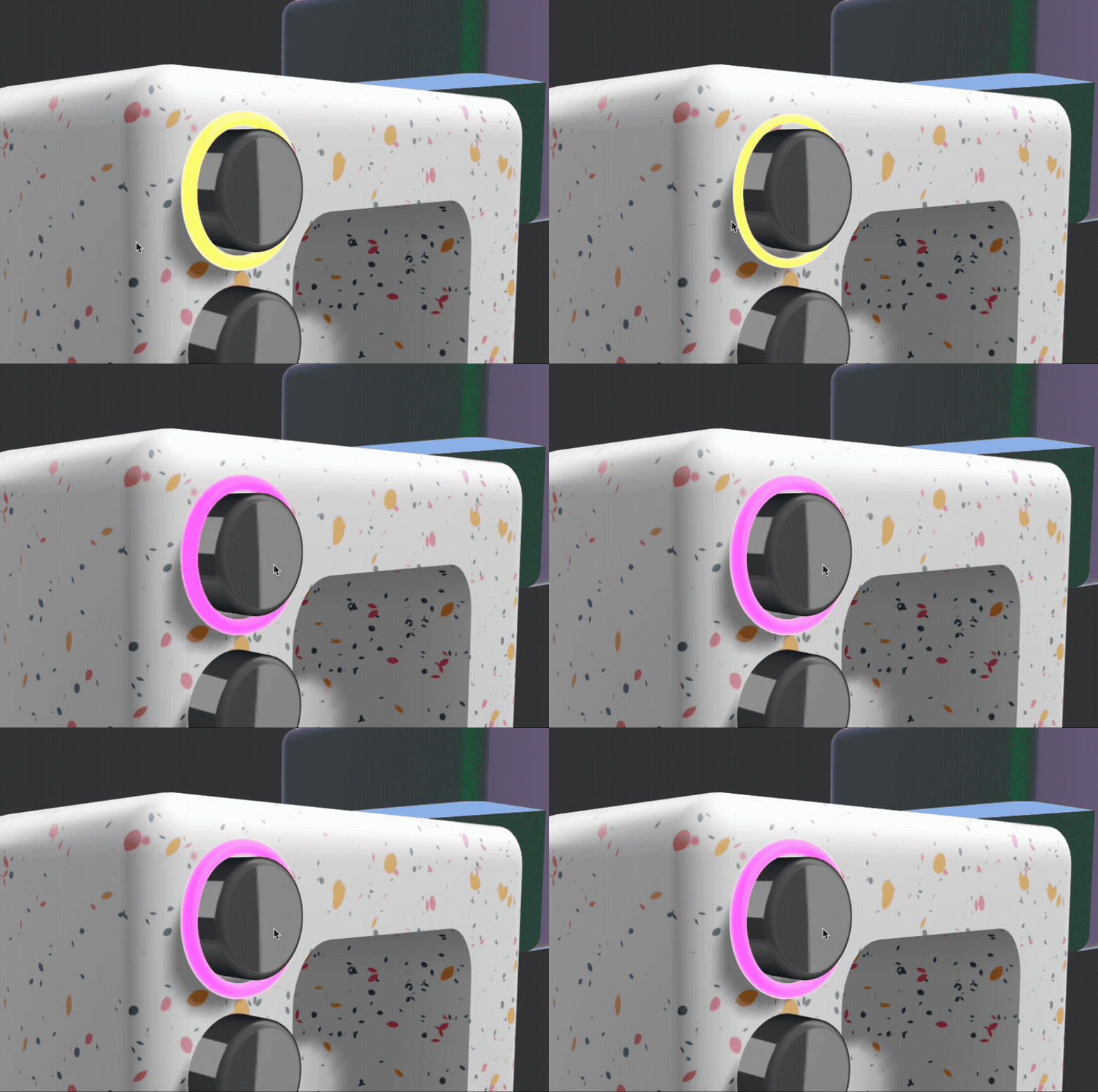
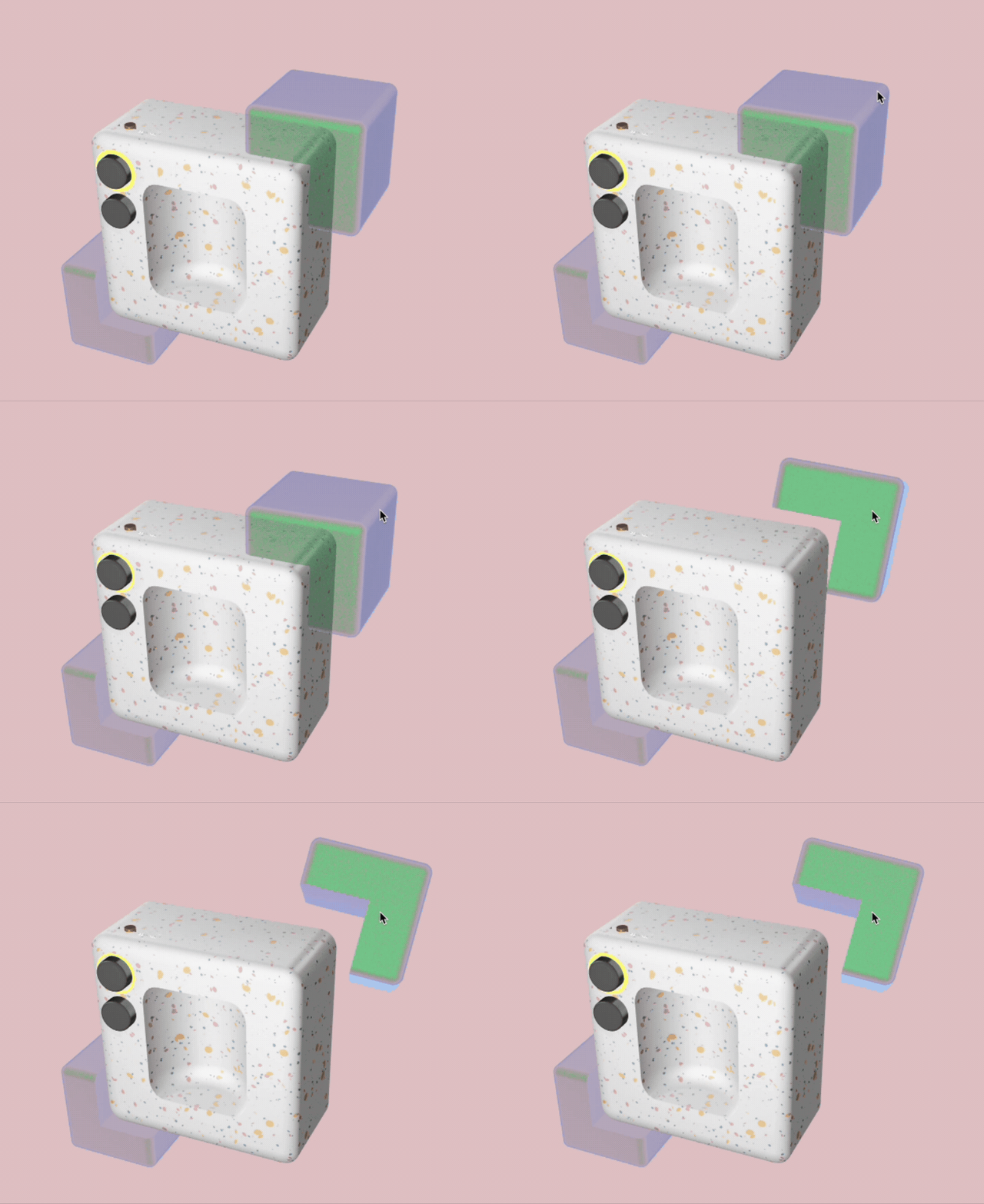
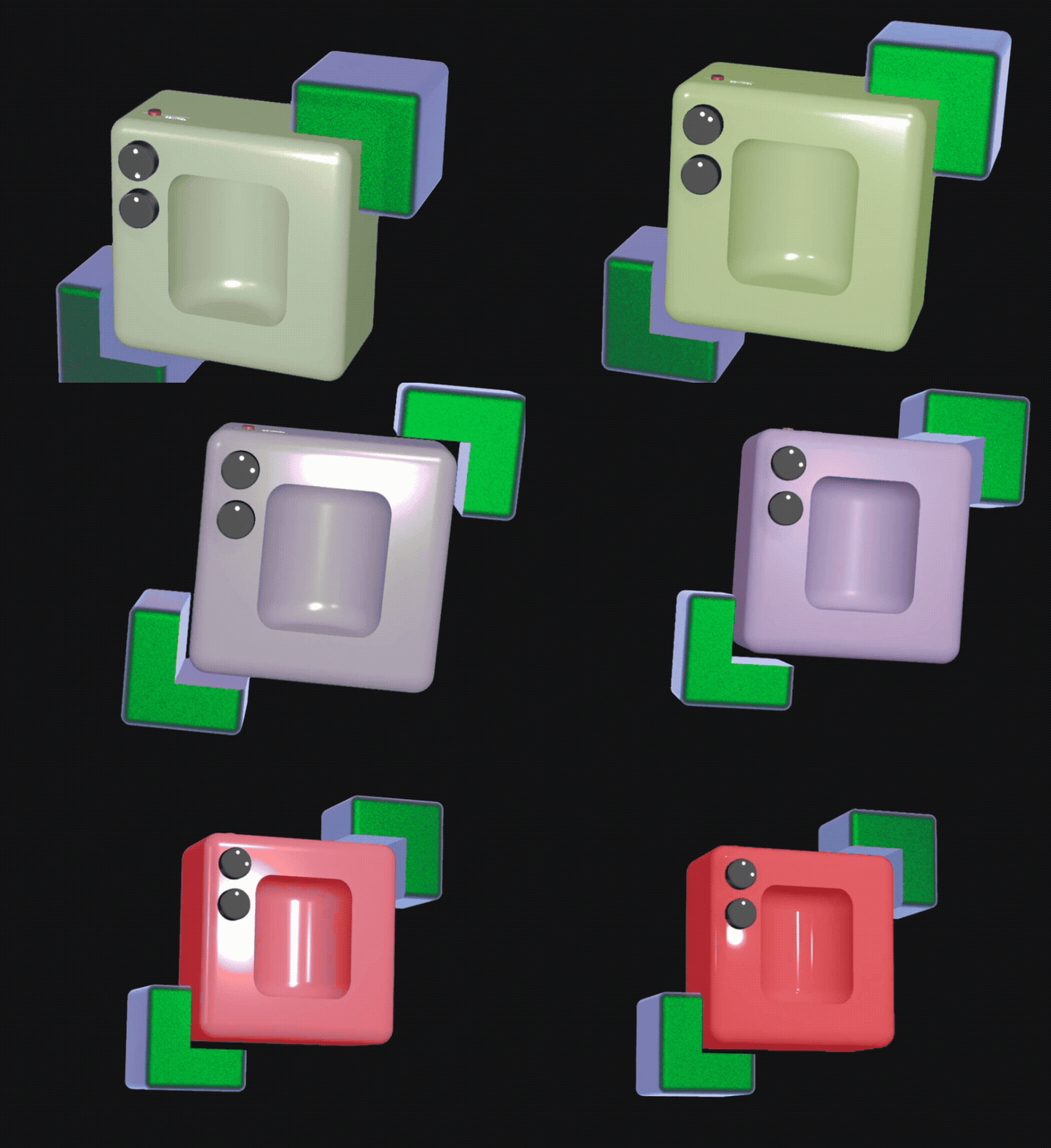
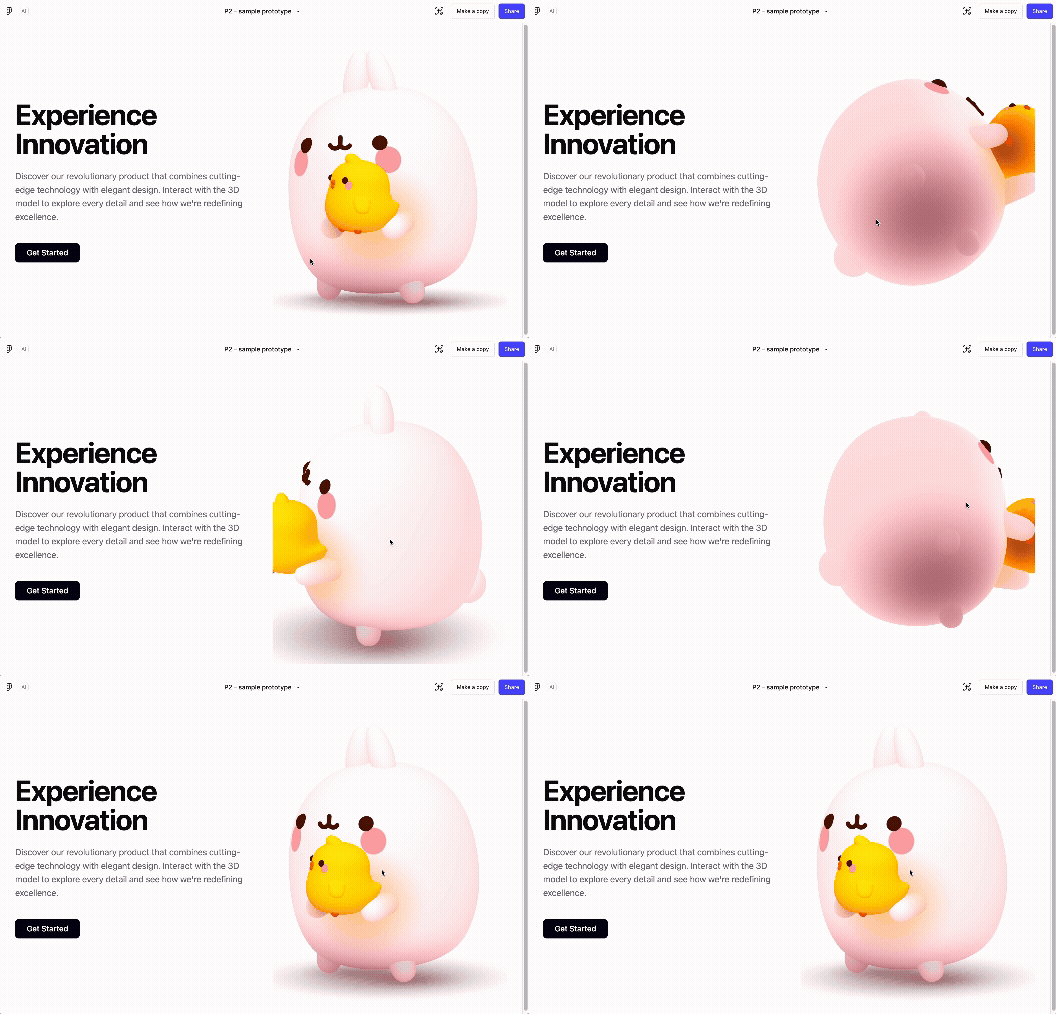
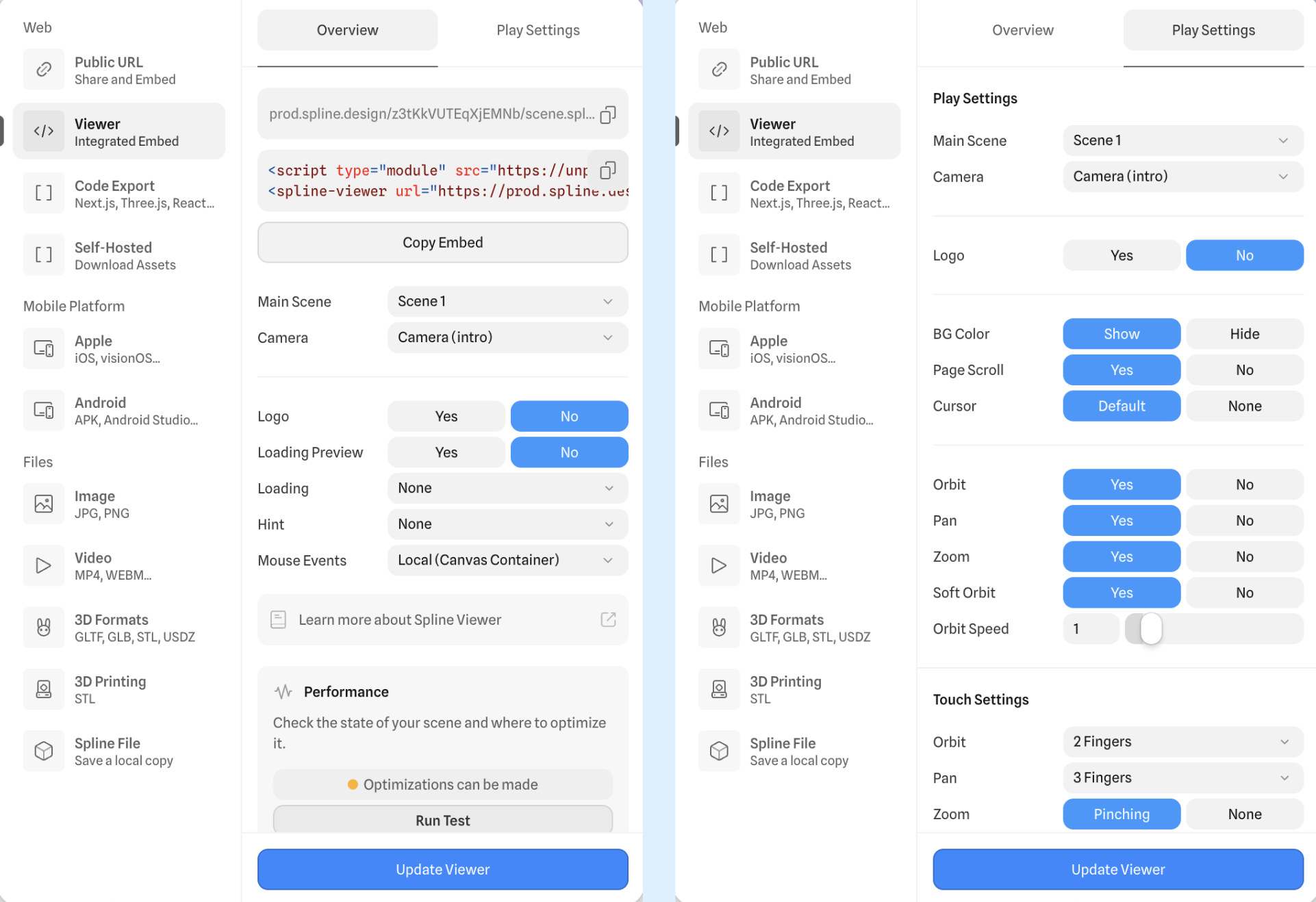
The first cycle focuses on refreshing Spline fundamentals through tutorials & small experiments; the second explores Spline’s 3D Timeline Animation features for object & camera movement; and the final cycle tests how an interactive 3D scene can be integrated into a webpage or prototype.
This revision also replaces the earlier plan to explore Hana after discovering that it currently supports only 2D design and cannot import or work directly with Spline 3D scenes. Overall, the updated structure allows each cycle to build on the previous one while remaining achievable within the project timeline.
Action Research Cycle 1 – Spline fundamentals
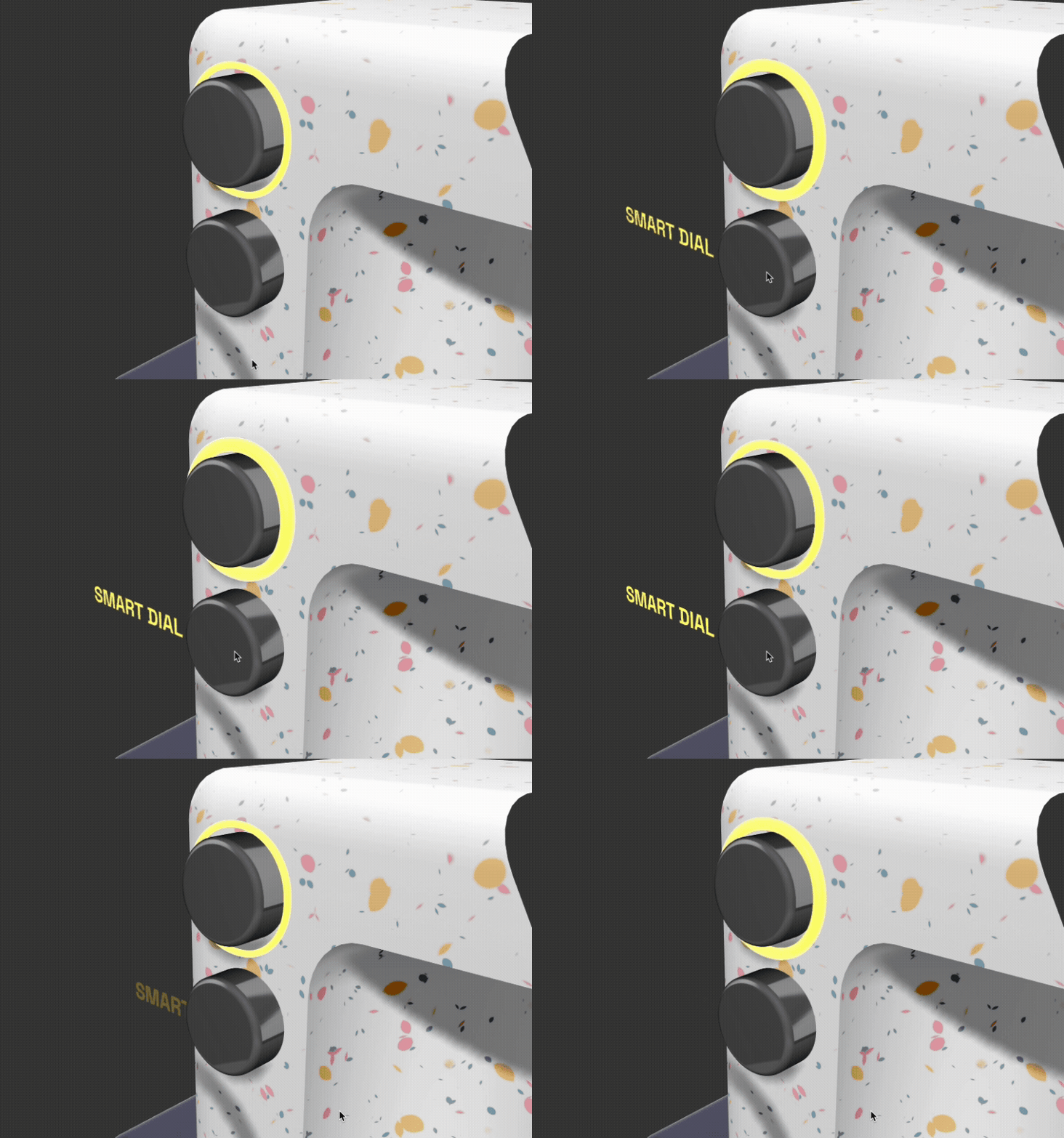
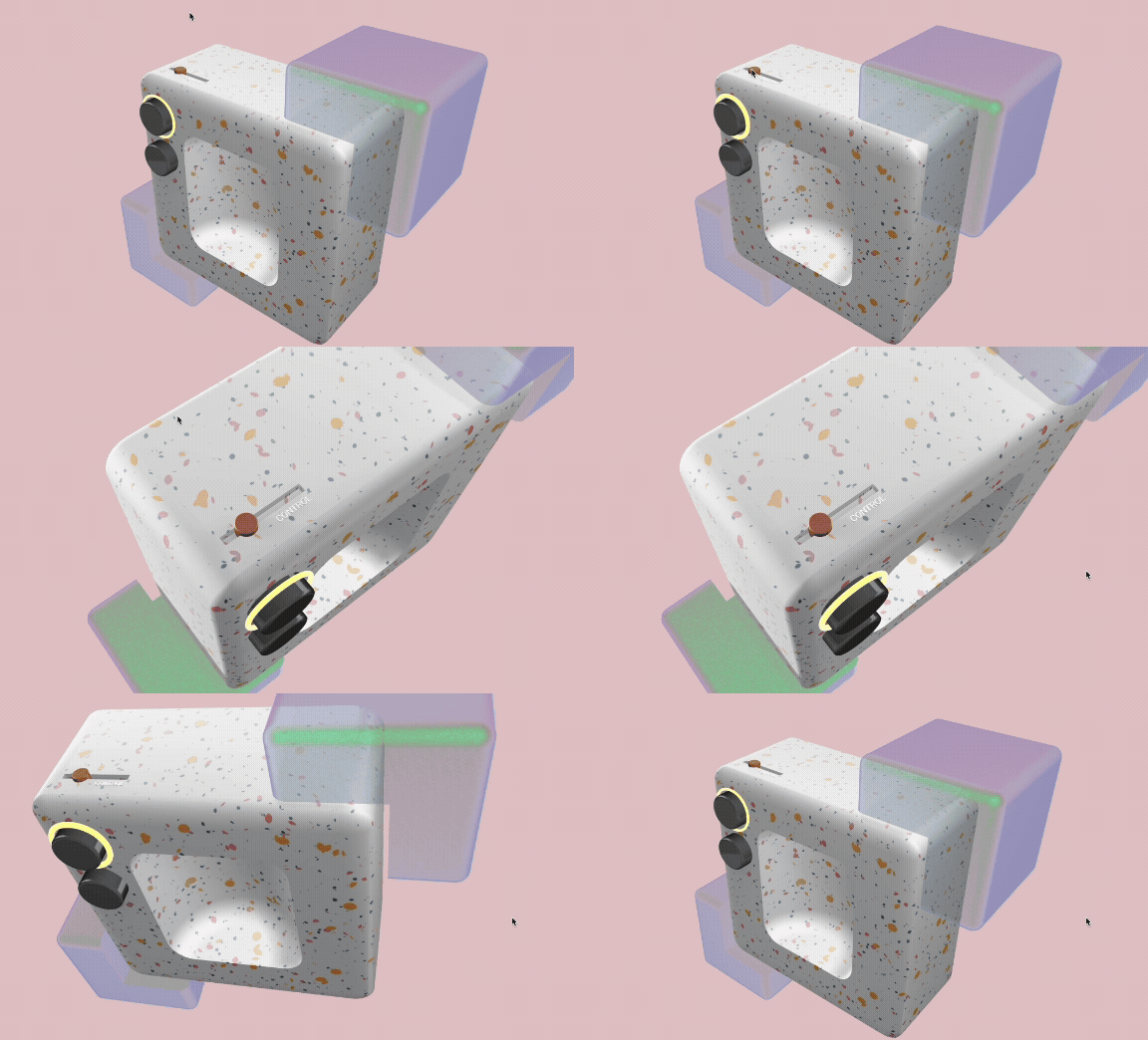
Action Research Cycle 2 – 3D Timeline Animation
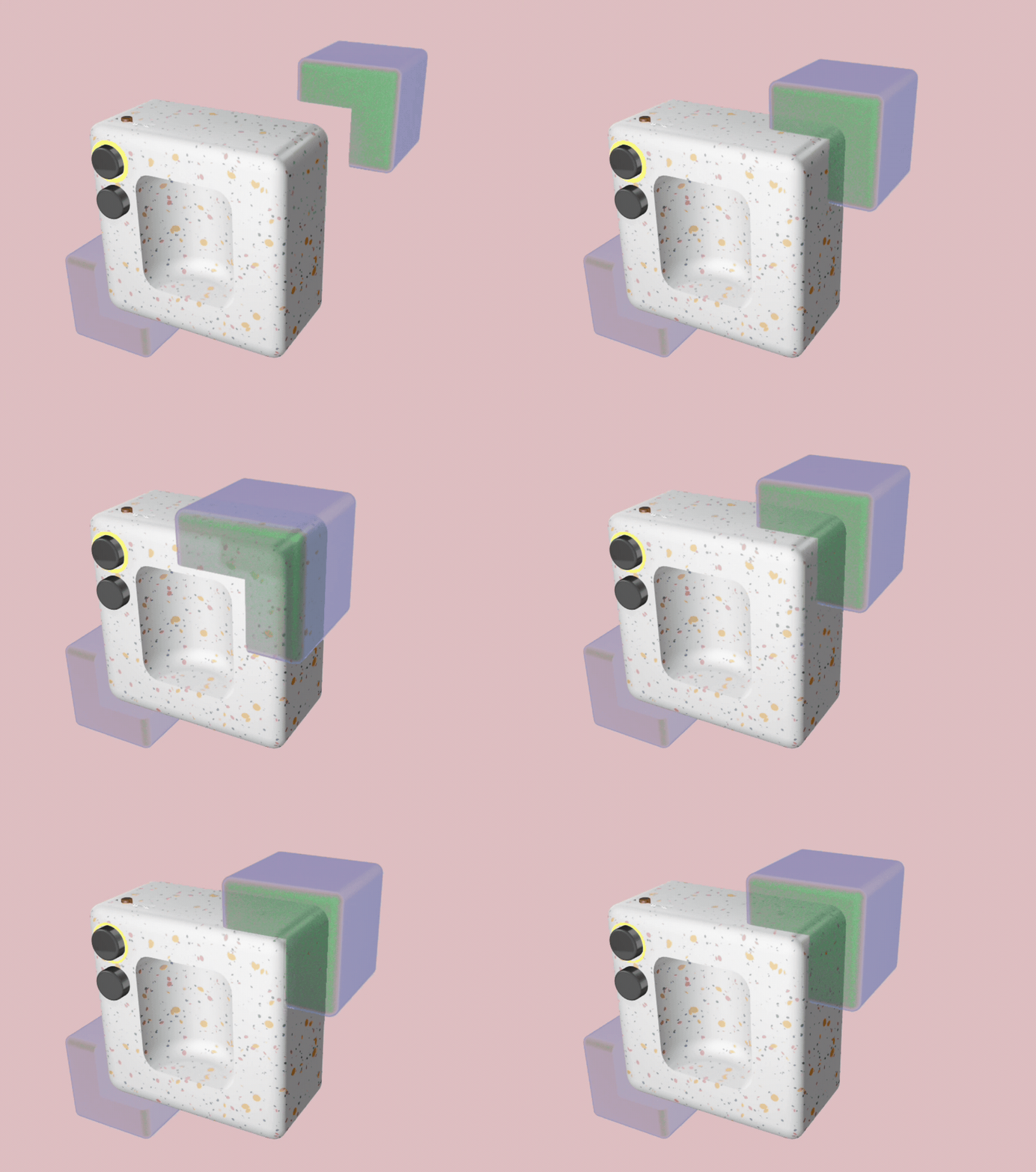
Action Research Cycle 3 – Web Integration
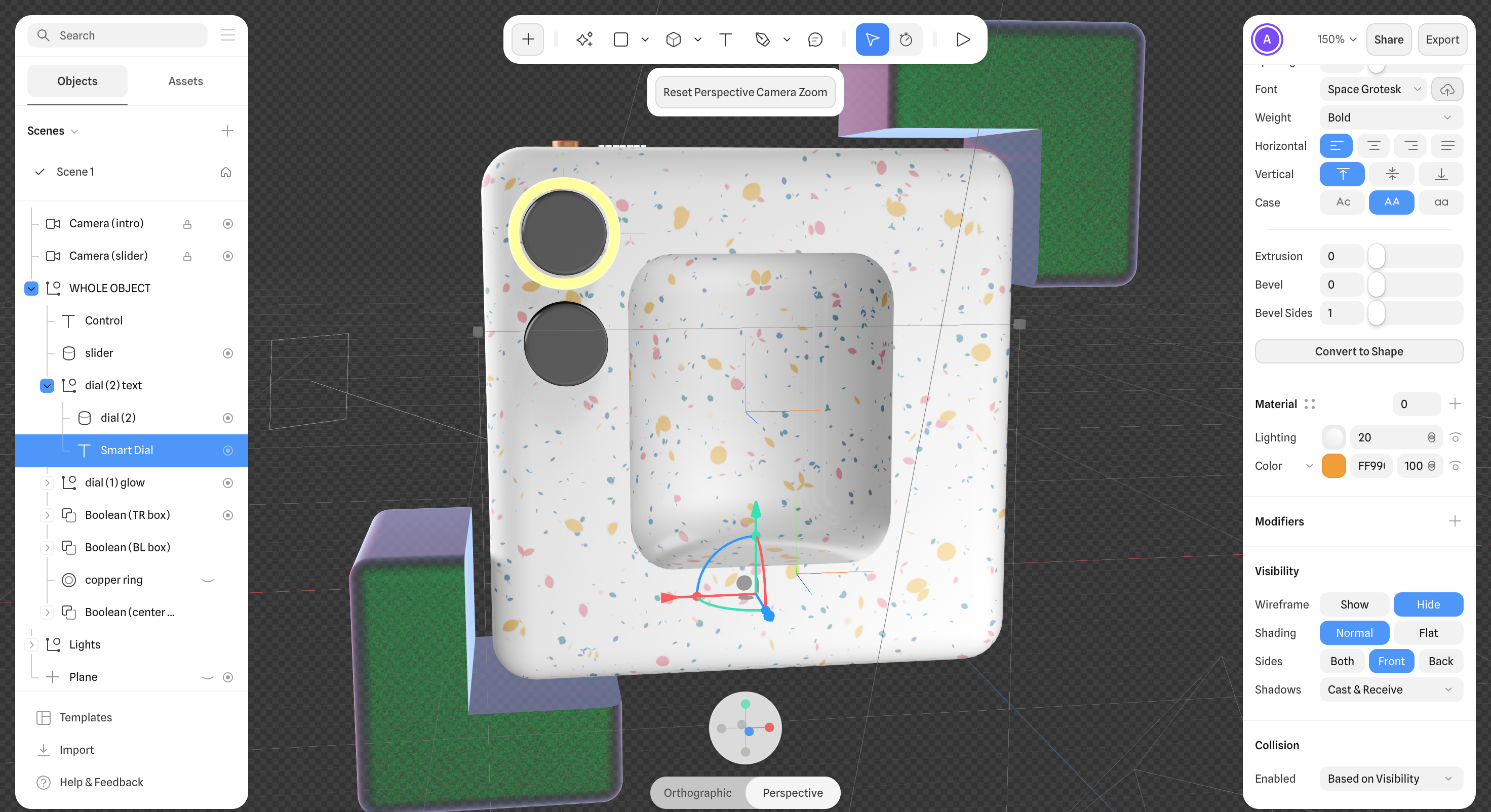
Project 2
Prototype Research & Development
(View the prototype through this link.)
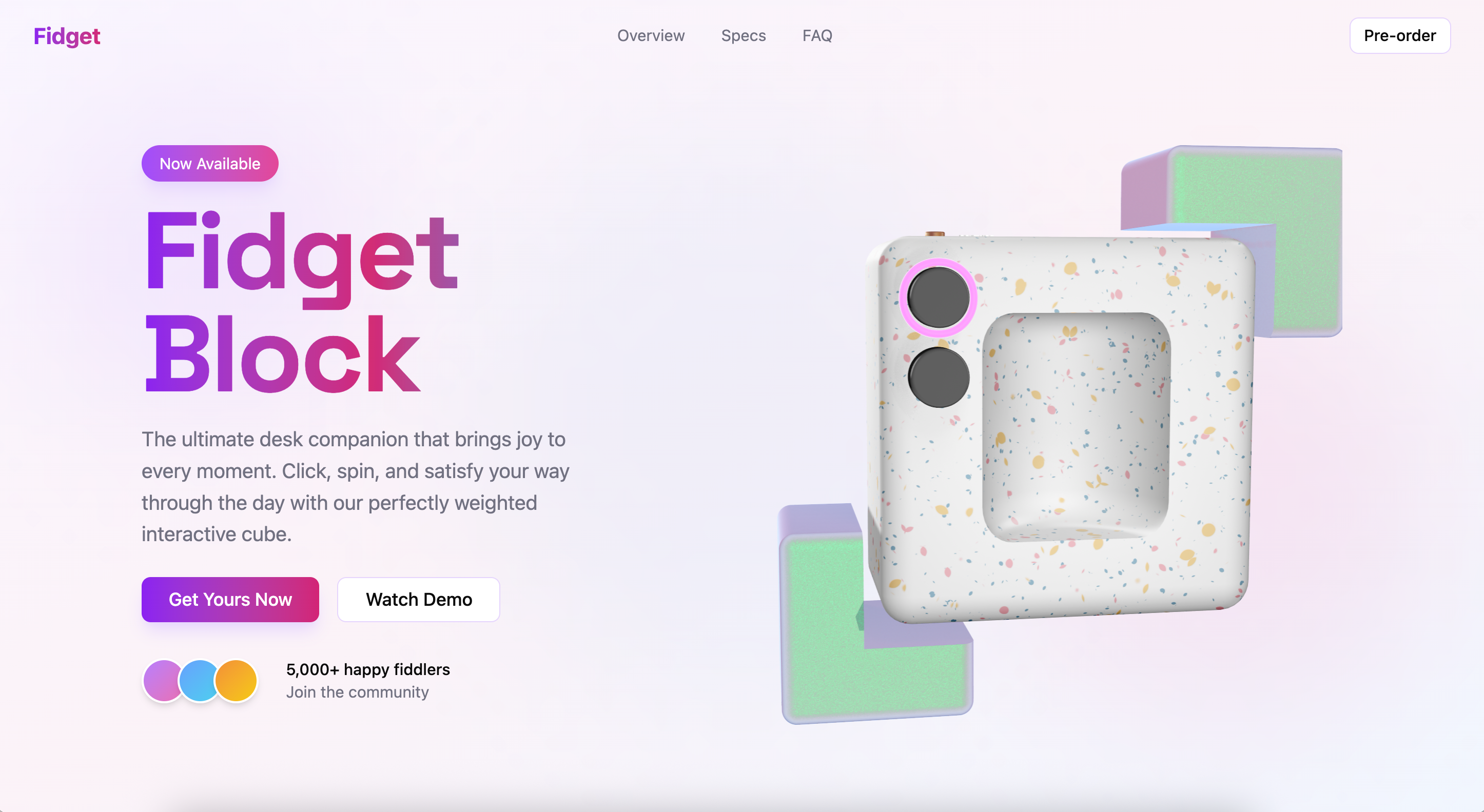
This prototype is an interactive 3D product viewer for a fictional “Fidget Block,” designed to explore how users engage with a product on the hero section of a landing page. It allows users to rotate, zoom, and interact with parts of the model through hover and click-based cues.
Please note: All other buttons & links on the page are non-functional and serve only as part of the layout; the 3D model is the only interactive element in this prototype.
Powered by w3.css